Problems you recognise Rooms and desks
Without check-in, a no-show booking keeps the room marked busy on the calendar, the panel and the map — while the room sits empty in the corridor.
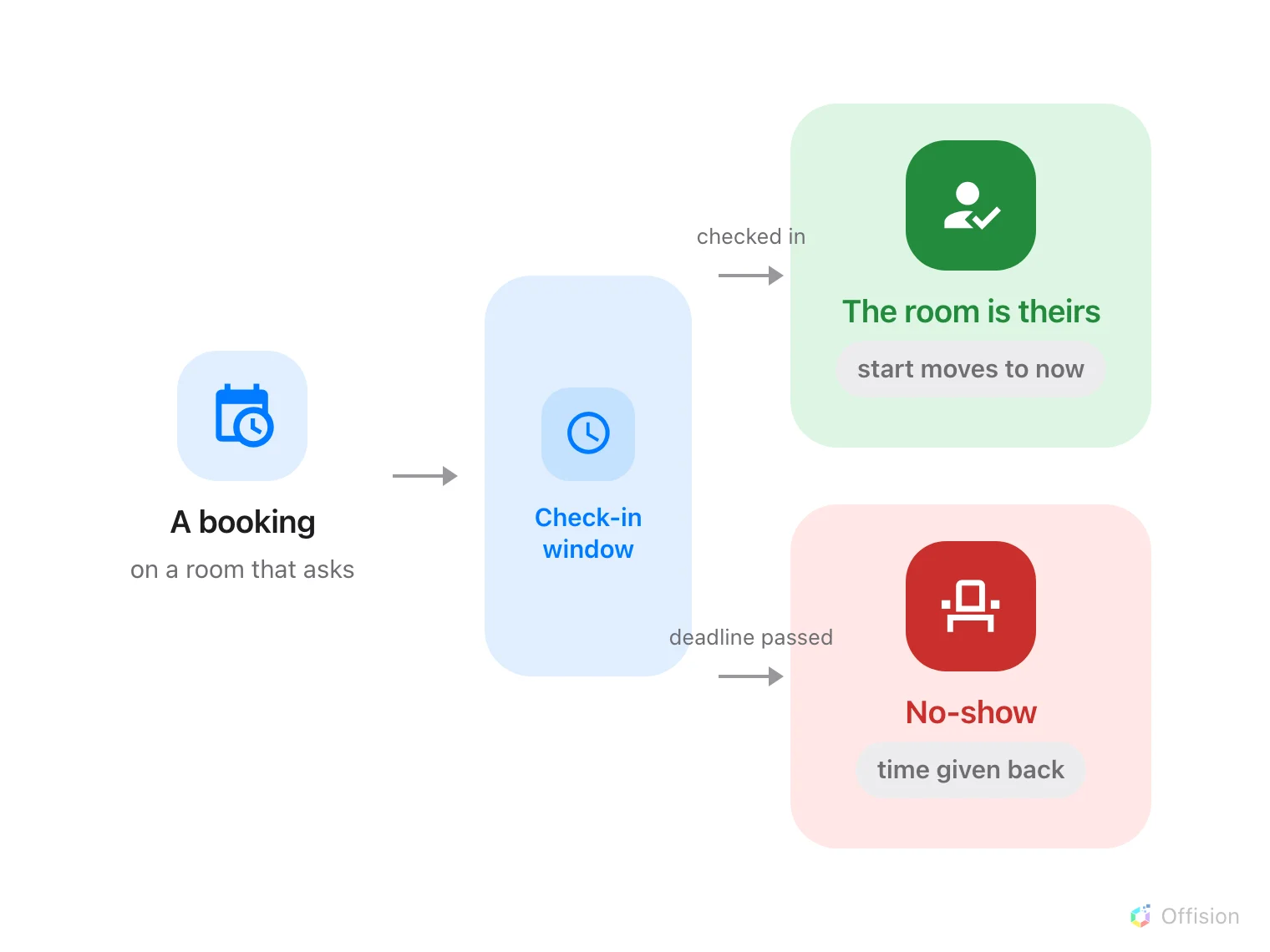
When Require check-in is on, Can check-in after (in mins) sets how long someone has to check in before the room is released. A no-show shortens the booking to the release moment — the calendar, panel and map all show the room as free at the same time. Walk-in bookings skip check-in because someone is already at the door.
Offision releases the slot after your grace period. The panel, map and calendar all show the room as available at the same time.
Ghost bookings make a full calendar look like a space shortage. The fix is not more rooms — it is making bookings expire when nobody shows up.
Full article ›A standing weekly sync can keep blocking a room every Tuesday long after the project shipped. Series are easy to create and awkward to end — so ghost slots accumulate in silence.
Read this guide ›When reserving a room costs nothing, booking early and deciding later is the rational move. The calendar fills with options, not meetings.
Read this guide ›Without check-in data, nobody knows which bookings became real meetings. The same ghost patterns repeat year after year because nothing measures them.
Read this guide ›Walk through your estate, your booking rules and your calendar setup with our team — or start free and try it on one floor.