Qbic × Offision

Booking panel.

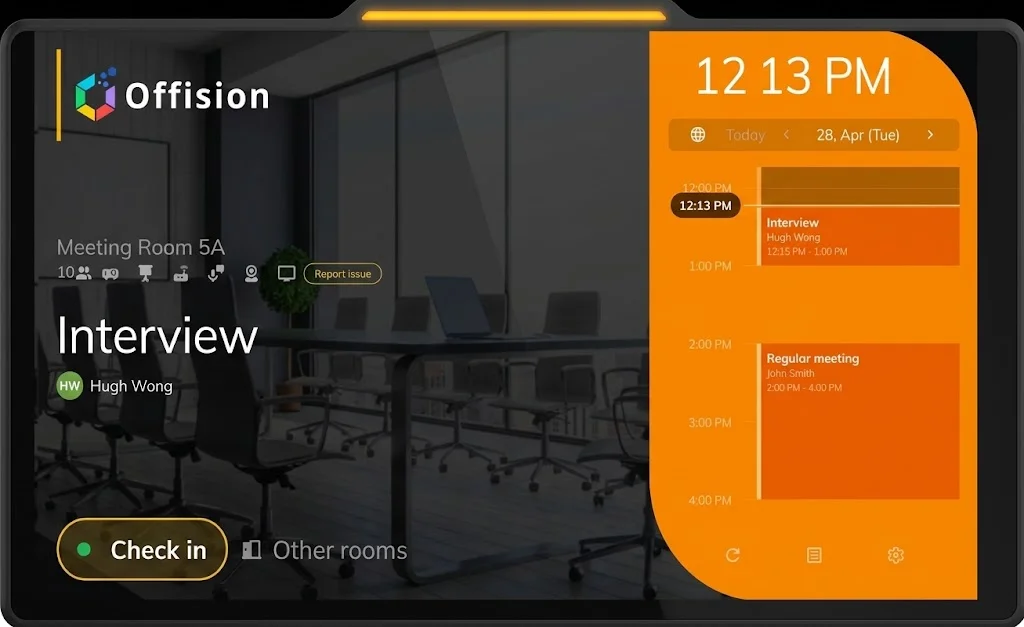
See the room. Walk right in.

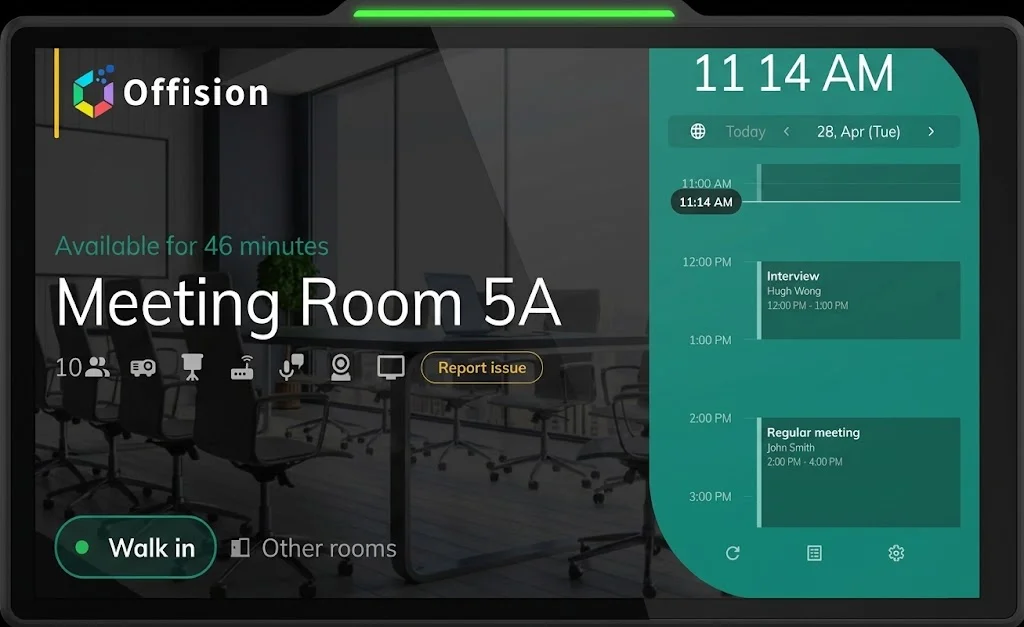
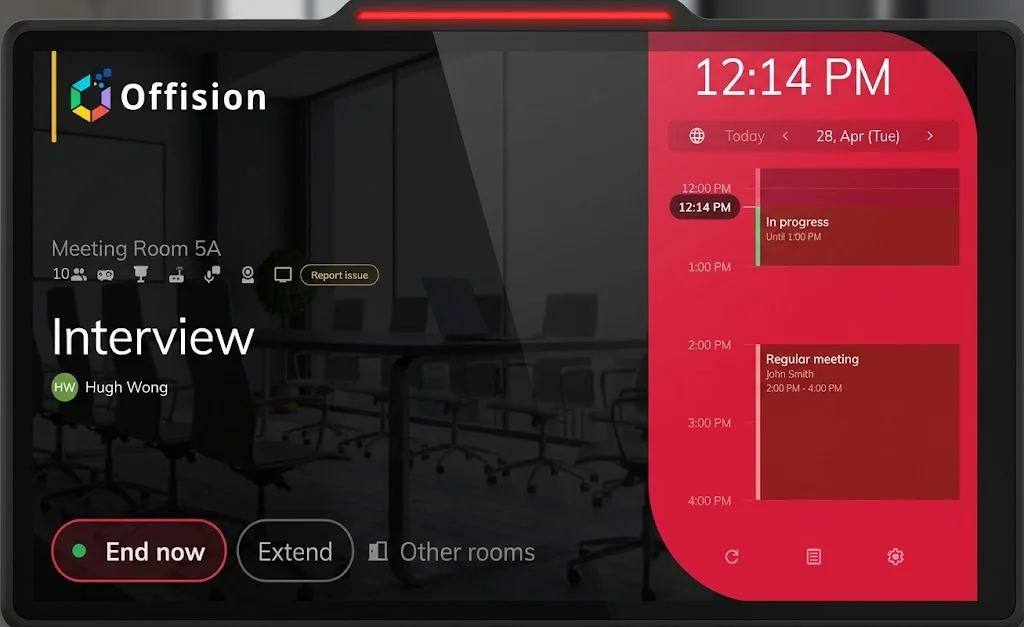
Qbic room booking panel in green available status, showing Meeting Room 5A, remaining time, a walk-in button, and the day’s schedule.

Get the highlights.

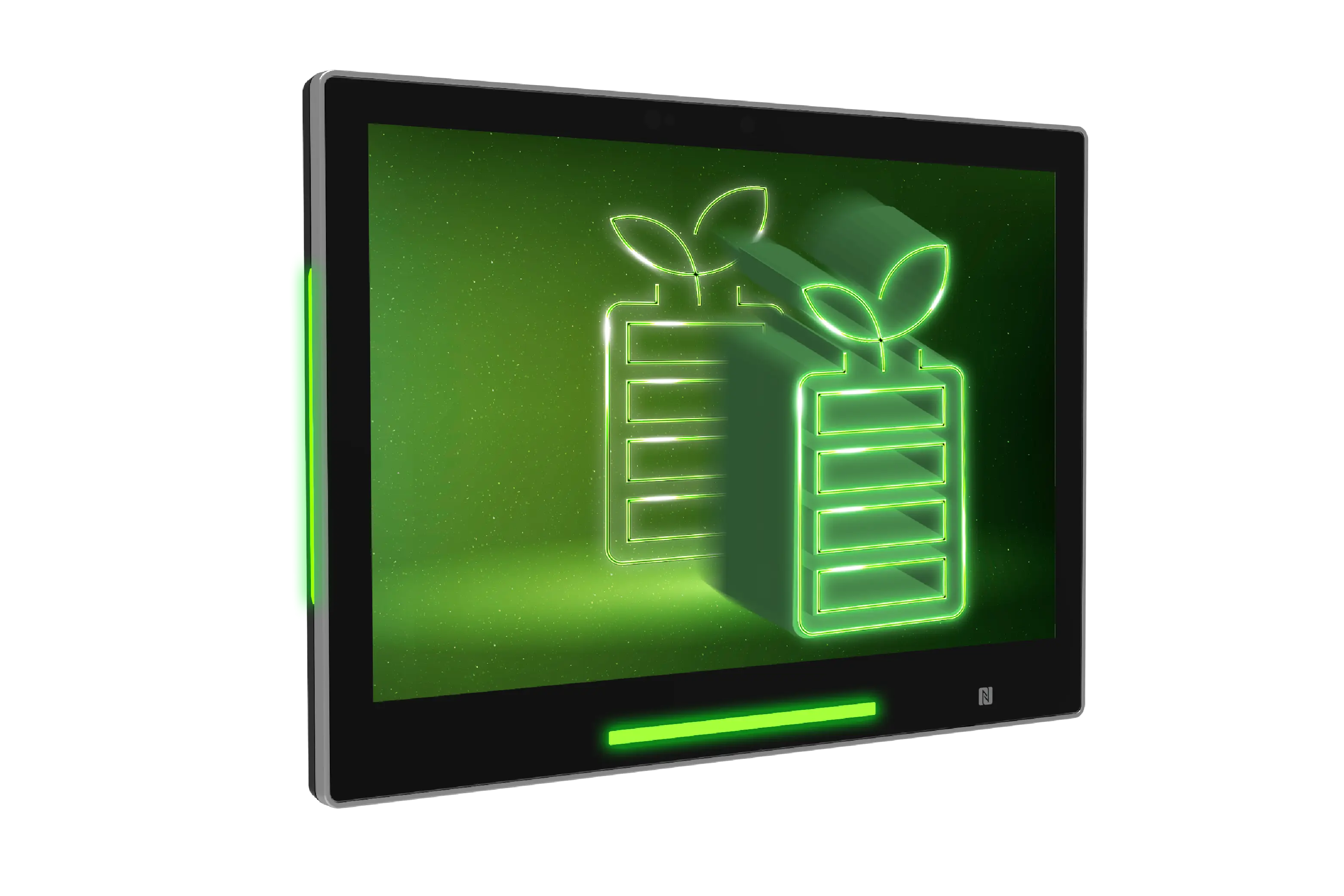
Corridor view of a Qbic panel with RadiantGlow LED showing room status from down the hall.

RadiantGlow LED Light

Available, standby, or occupied — visible from down the corridor.

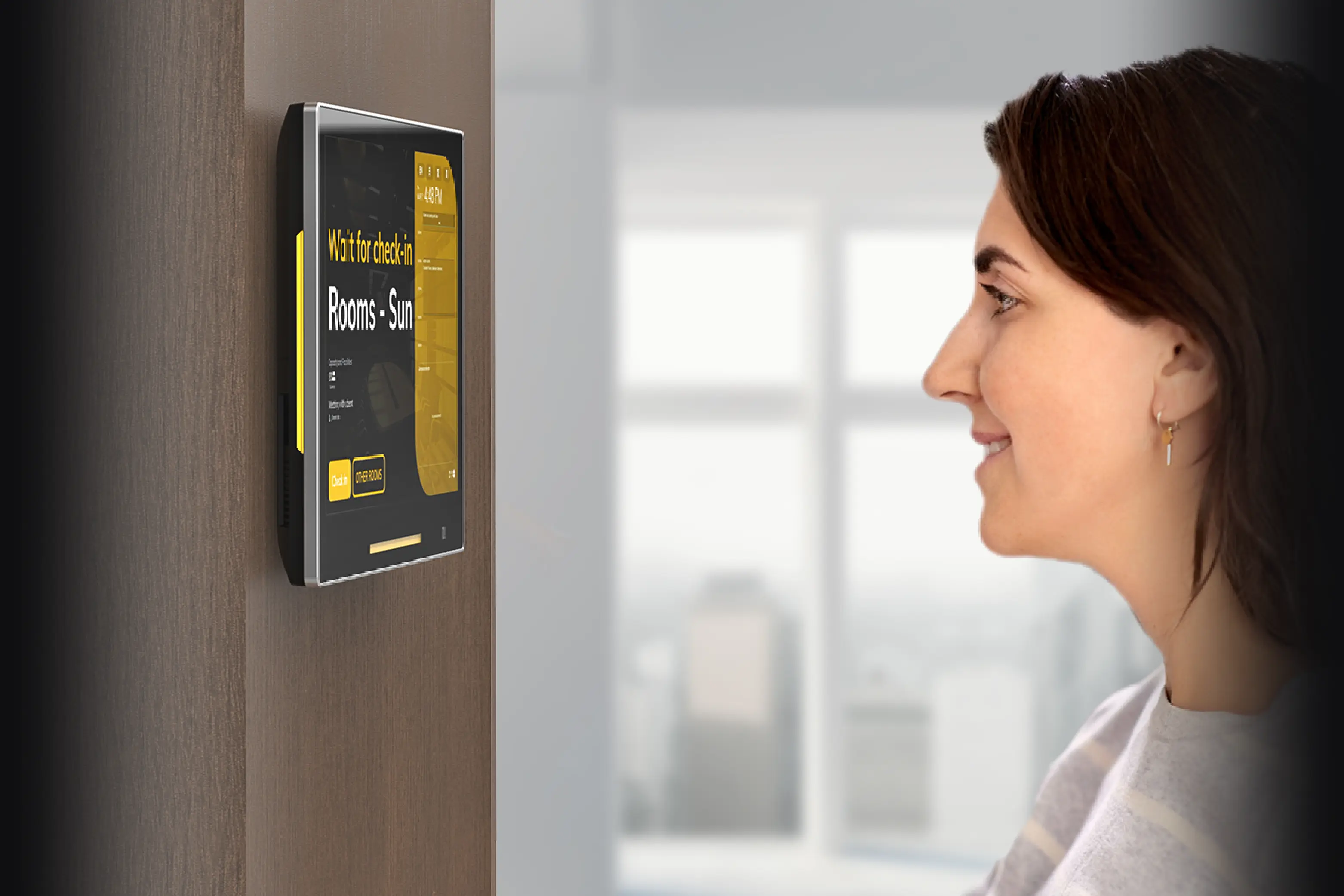
Person checking in at a Qbic panel using face verification.

AI face verification

Check in with your face. No badge hunt.

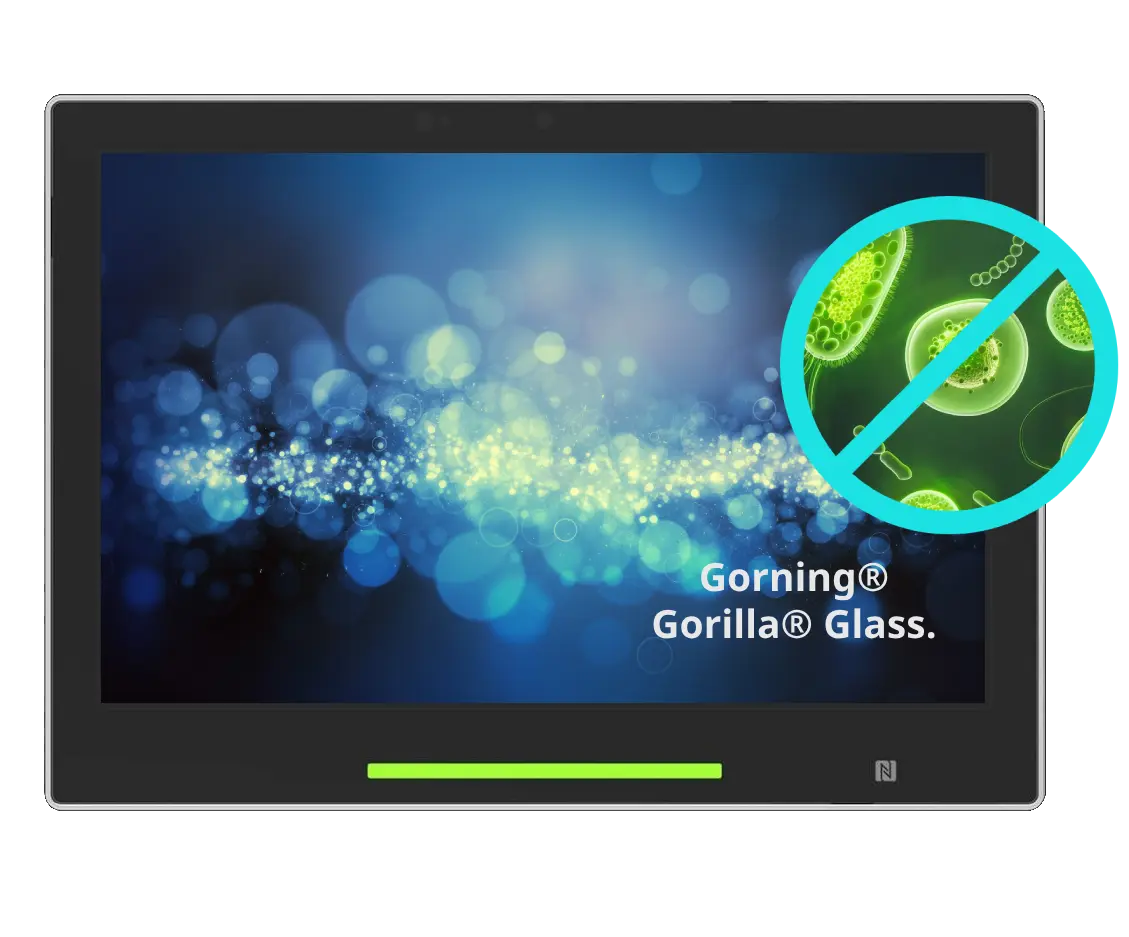
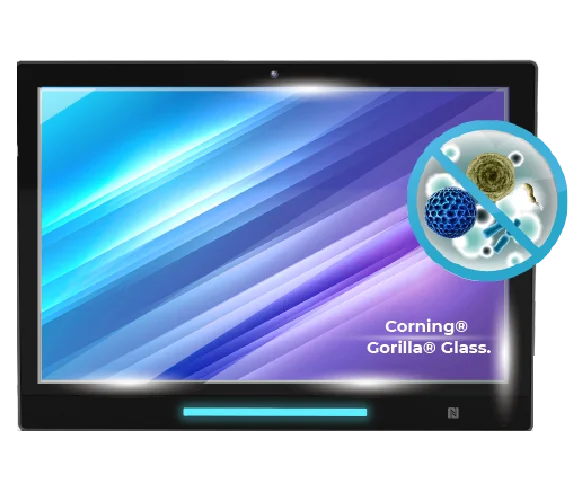
Close-up of Corning Gorilla Glass on a Qbic booking panel.

Gorilla Glass

Antimicrobial glass, built for a shared wall.

Qbic panel on a quiet office wall after motion-sensing standby.

Energy Saving Function

It rests when the corridor is empty.

Front view of the Qbic TD-1070 10.1-inch room scheduler.

TD-1070

The 10.1-inch room scheduler.

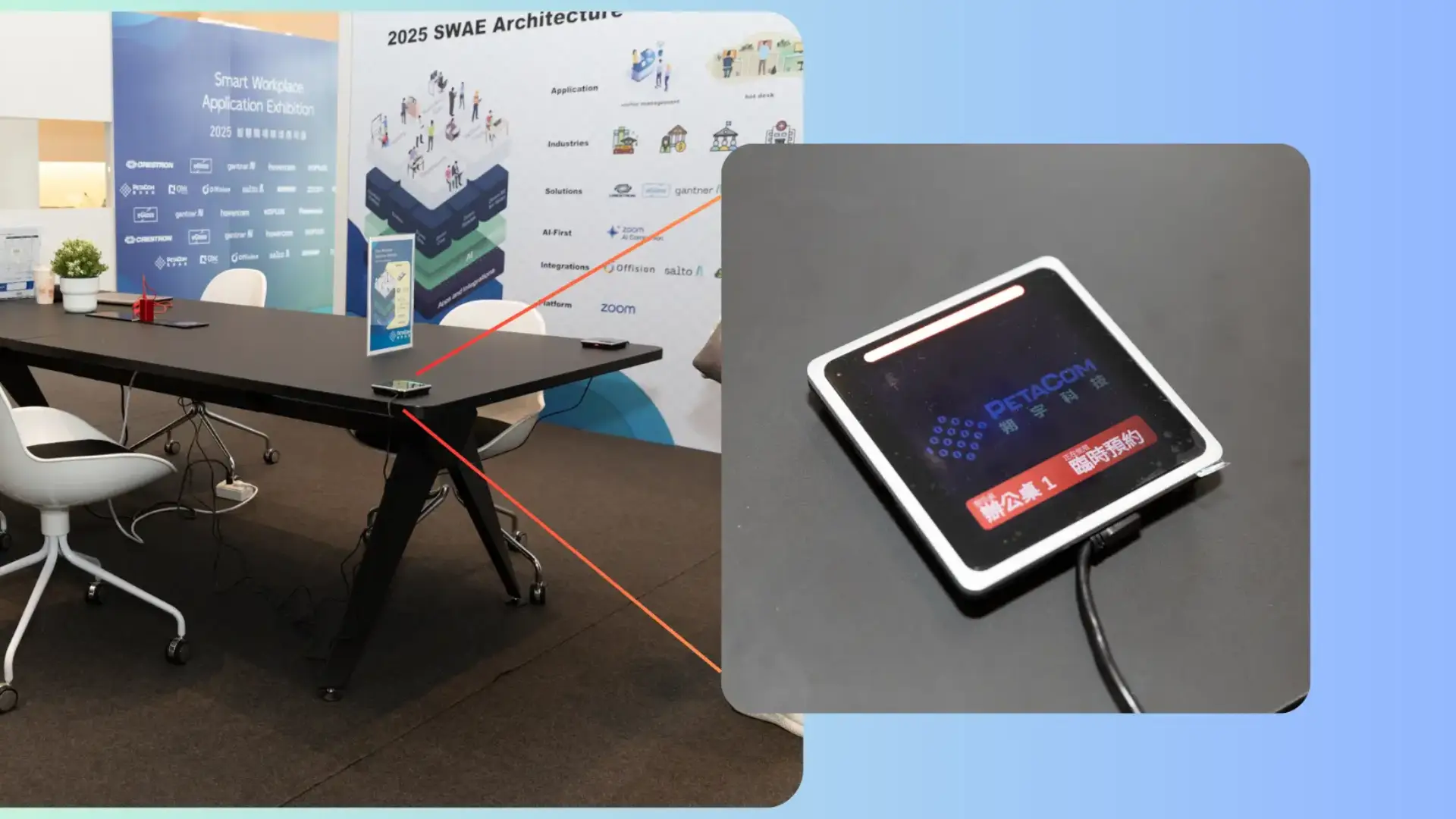
Front view of the Qbic TD-0360 3.6-inch desk booking panel.

TD-0360

The 3.6-inch desk companion.

RadiantGlow LED Light

Status you can see
from down the hall.

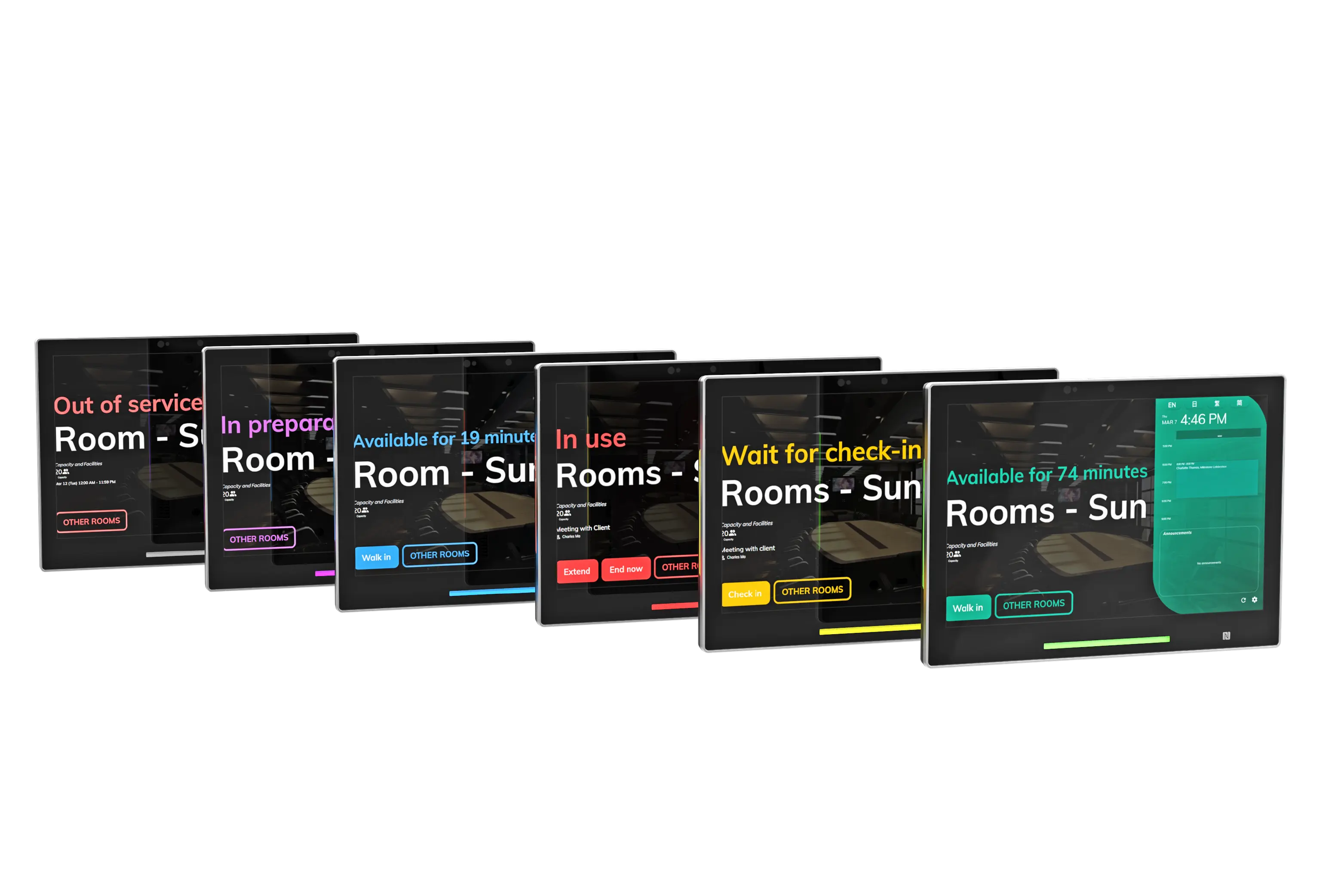
The booking panel's vivid colors indicate the room availability, from available, standby, and occupied, allowing the user to see the status at first sight.

Qbic booking panel glowing with RadiantGlow LED so room availability is visible from a distance.
  • Green The room is available for more than 30-minute-long meetings.
  • Yellow The room has an upcoming booking and awaiting for check-in.
  • Red Indicates that someone is using the room. Please do not disturb.
  • Blue The room is available for less than 30 minutes. Look for a room in blue if you need a room for a quick meeting.
  • Purple Indicates service for the room is scheduled, such as cleaning.
  • Grey Indicates the room is out of service and cannot be used now.
The room is available for more than 30-minute-long meetings. The room has an upcoming booking and awaiting for check-in. Indicates that someone is using the room. Please do not disturb.

Check-in

Face. Card. QR.

Various check-in methods, cater to every situation you need

Close-up of AI face verification on a Qbic room panel.

AI face verification

Use facial features to identify individuals and streamline the check-in process

QR code on a Qbic booking panel for mobile check-in.

QR Code

Scan the QR code on the panel via mobile phone.

Staff card icon for NFC tap-to-check-in on a Qbic panel.

Staff card

Qbic panel supports users to tap staff card and verify identity

Design

Built for the wall.
Ready for the room.

Corning Gorilla Glass display is a revolutionary technology that is perfect for space management. Its antimicrobial properties provide users with a hygienic and safe surface, ideal for high-traffic areas like meeting rooms.

Qbic Smart Panel PCs enabling you to optimize and personalize your office space.

Corning Gorilla Glass covering the Qbic TD-1070 display.

Energy Saving Function

Quiet when empty.

Utilizing cutting-edge motion detection technology, this device revolutionizes energy conservation by automatically powering down when it detects the absence of a person in its vicinity.

Qbic panel using proximity sensing to dim when no one is nearby.

Take a closer look.

Room

Front view of the Qbic TD-1070 10.1-inch room scheduler.

TD-1070

A Meeting Room Scheduler with unrivaled design and functionality. True aerospace-grade metallic unibody and frame construction with ultra-elegant appearance and feel.

  • 10.1-inch
  • Aerospace-grade alloy metal chassis
  • Antimicrobial Corning® Gorilla® Glass
  • Full HD Screen
  • NFC / RFID · PoE+ · 8MP HDR
Learn more

Desk

Front view of the Qbic TD-0360 3.6-inch desk booking panel.

TD-0360

A sleek compact design, 3.6" multi-touch display for desking booking, Apple Wallet integration and is splash-resistant.

  • 3.6" on-cell touch
  • 480 × 480
  • 90 × 90 × 13 mm
  • Wi‑Fi 5
  • NFC · Apple Wallet
Learn more

Start with Offision.

Get it for free! No installation required