Key Details
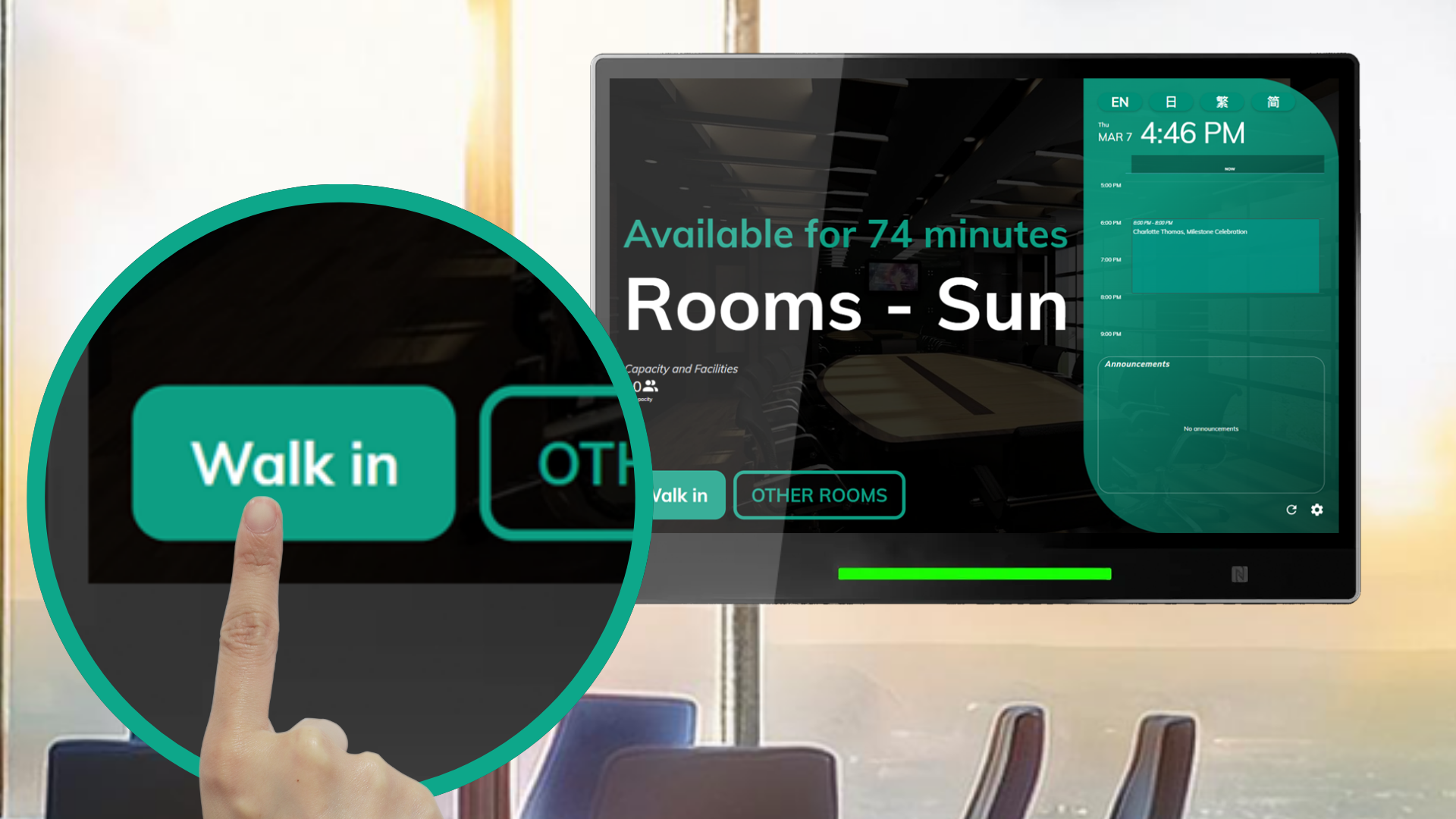
Simple Setup: Configure touch-enabled booking panels (e.g., Crestron, Qbic, IAdea) to sync seamlessly with Offision via Microsoft 365, Google Workspace, or Exchange Server.
Fluid Touch Interaction: Enables booking, availability checks, and reservation management with natural gestures like taps, swipes, and pinch-to-zoom, optimized for real-time use.
Streamlined Communication: Features vibrant, touch-responsive displays showing booking details, resource statuses, and customizable privacy filters for confidential data.
Improved Productivity: Supports quick, on-site scheduling and status updates, minimizing reliance on apps or manual coordination.
Hybrid Ready: Ideal for businesses in dynamic, hybrid environments, offering a professional, touch-driven scheduling experience across multiple locations.
This feature empowers users with intuitive touch interactions, enhancing accessibility and maximizing workspace efficiency.
Pros
Time-Saving
User-Friendly
Professional Experience
Boosts workspace efficiency with modern, interactive panels.
Enhances user satisfaction with sleek, responsive displays.
Improved Collaboration
Supports hybrid teams with direct, touch-enabled access.
Ensures fast, accurate resource allocation.
Versatile Application
Enhanced Productivity
Simplifies booking and resource management tasks.
Keeps focus on collaboration, not scheduling logistics.
Conclusion
Offision’s Touch Screen Support on Booking Panel feature redefines workspace scheduling with a dynamic, touch-enabled interface. Integrated with Microsoft 365, Google Workspace, and Exchange Server, it delivers real-time, intuitive interaction across booking panels, web, iOS, and Android platforms. With easy setup, vibrant visuals, and privacy controls, it’s a critical tool for modern businesses seeking to enhance accessibility, streamline scheduling, and drive collaboration in hybrid workplaces.

 Neat
Neat
 Crestron