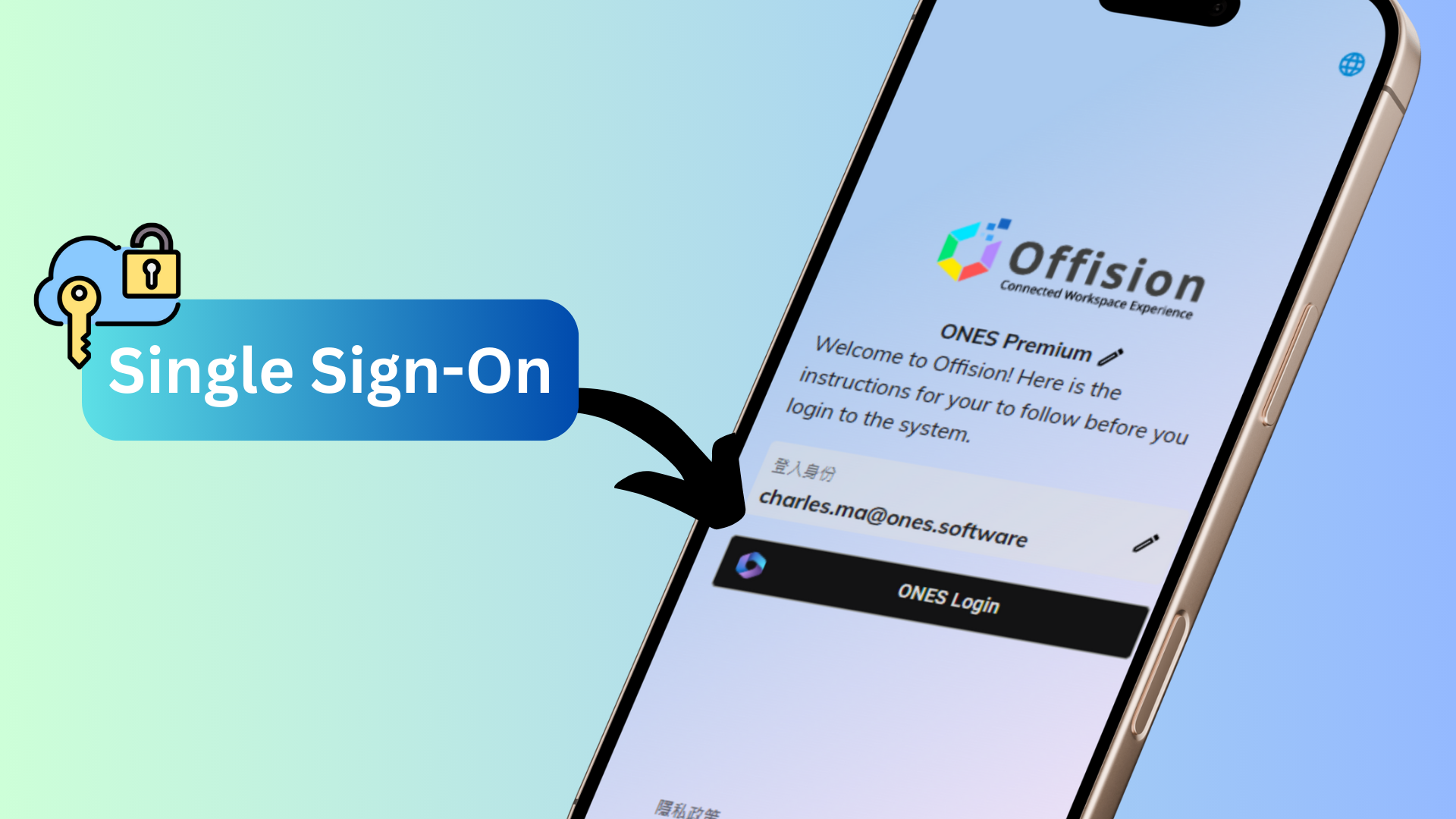
The Hidden Local Login feature in Offision is designed to enhance security and streamline login management for organizations. When this setting is enabled, the local login button is removed from the User App, ensuring users can only log in through Single Sign-On (SSO).
This feature is ideal for organizations prioritizing centralized authentication and security. By restricting login methods to SSO, it reduces the risk of unauthorized access and simplifies user management for administrators.
Core Features:
Disables Local Login
- Completely removes the local login option from the User App interface.
- Prevents users from accessing the system using standalone credentials.
Enforces Single Sign-On (SSO)
- Restricts login access to SSO only, requiring users to authenticate through a centralized system.
- Aligns with organizational policies for secure and streamlined access.
Enhanced Security
- Reduces the risk of unauthorized access by eliminating the use of local credentials.
- Ensures all user authentication is managed through a single, secure platform.
This feature is especially useful for organizations with strict security policies or those using SSO to manage user authentication across multiple systems.
Key Benefits:
- Improves security by eliminating local login vulnerabilities.
- Simplifies user management for administrators.
- Aligns with organizational access control policies for enhanced security.
Pros
Enhanced Security
- By hiding the local login button, the system eliminates the risk of weak or compromised local credentials.
- All user authentication is routed through a secure and centralized SSO system.
Streamlined Login Management
- Centralizing authentication through SSO simplifies user management for administrators.
- Reduces the need to maintain and monitor multiple login methods.
Compliance with Security Standards
- Aligns with organizational policies or regulatory requirements for secure access control.
- Ideal for organizations prioritizing data protection and system security.
Improved User Accountability
- SSO systems often provide detailed authentication logs, offering better tracking of user access.
- Helps organizations monitor and audit user activity more effectively.
Simplifies User Experience
- Users no longer need to remember separate local login credentials, reducing confusion.
- SSO provides a seamless and consistent login experience across multiple systems.
Reduces Password Management Issues
- Eliminates the need for users to create and manage local passwords, reducing the risk of weak or reused credentials.
- Minimized password-related support requests for admins.
Supports Organizational Scalability
- Particularly beneficial for large organizations or those with multiple systems relying on SSO.
- Ensures consistent login policies across all platforms.
Protects Against Unauthorized Access
- By restricting access to SSO, the system ensures only authorized users with valid organizational credentials can log in.
- Reduces the risk of breaches caused by local login credential theft.
Easy to Enable
- The feature can be activated quickly by administrators, with no complex setup required.
- Provides immediate security enhancements upon activation.
Encourages Modern Authentication
- Promotes the use of secure, contemporary authentication methods like SSO.
- Helps organizations phase out outdated or less secure login options.
The Hidden Local Login feature in Offision is an excellent option for organizations looking to enhance security and centralize authentication through Single Sign-On (SSO). While it provides significant benefits, such as improved security and streamlined login management, organizations must ensure they are prepared for scenarios like SSO downtime or user adjustment challenges to maximize the feature’s effectiveness.

 Neat
Neat
 Crestron