
Self-service kiosk
Check in at the lobby
A guest walks up, registers or checks in, and sees the room they are going to. The host is told at the same moment.
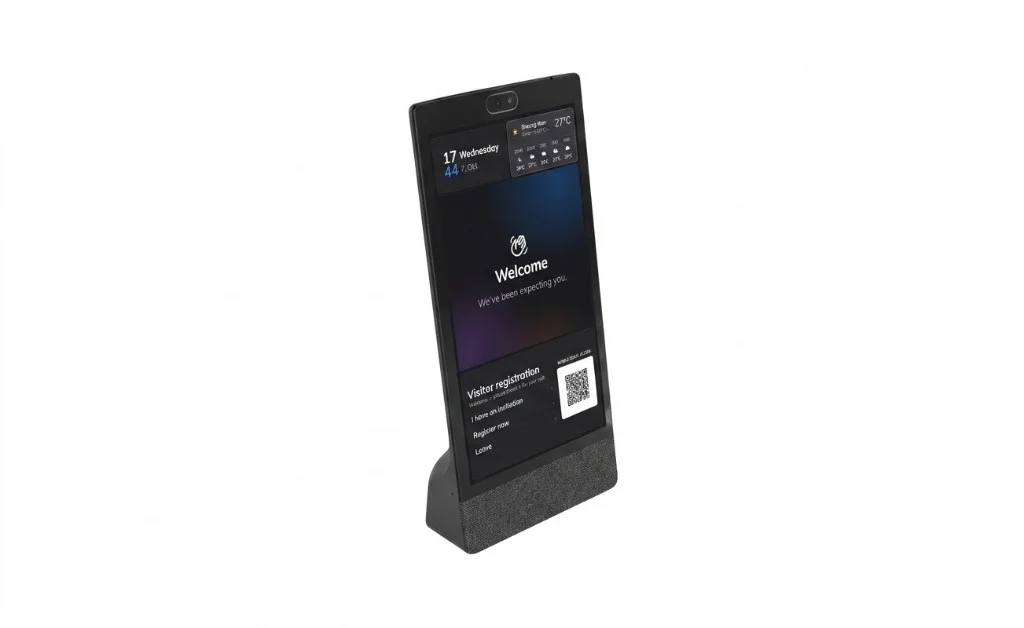

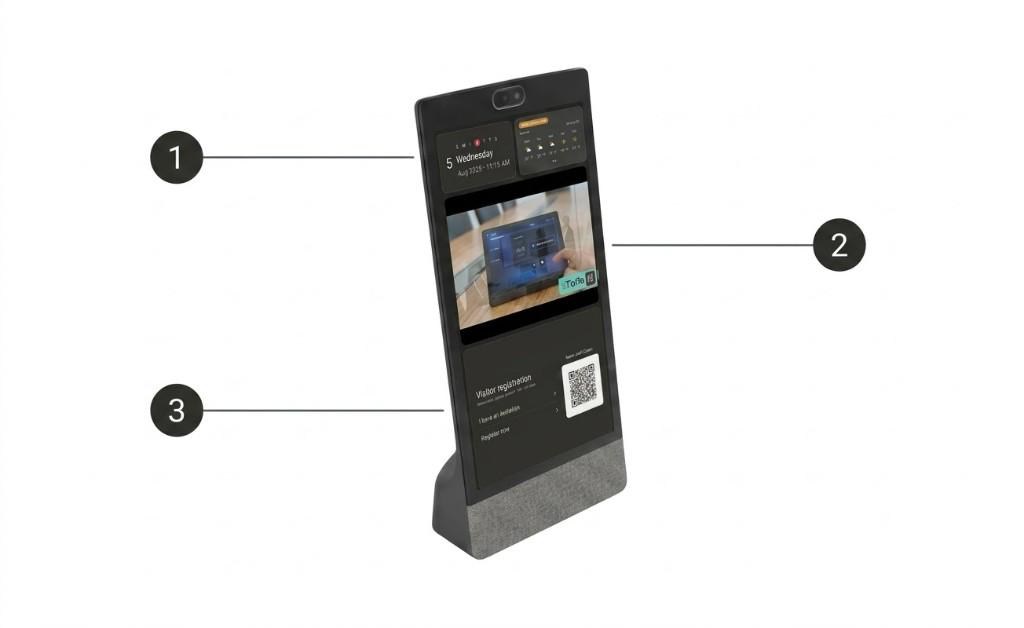
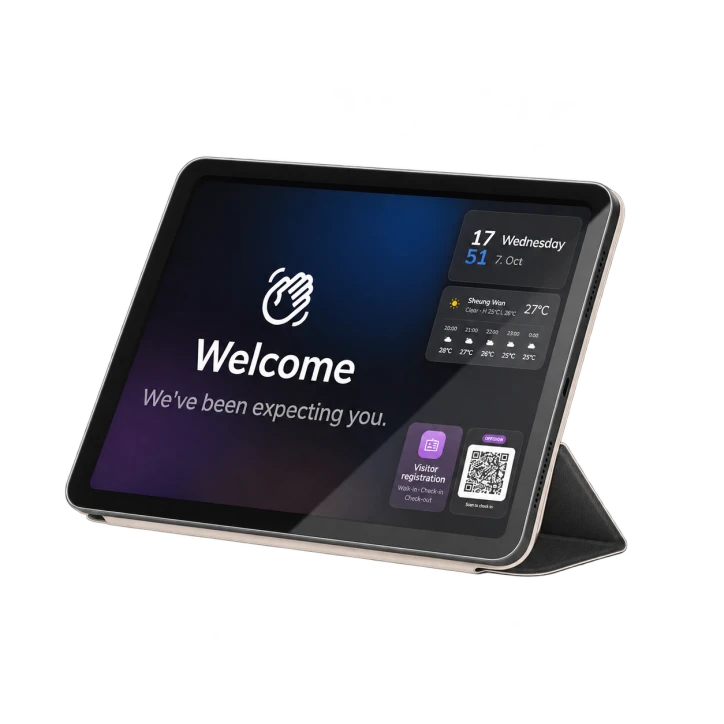
One board, three zones guests read in order
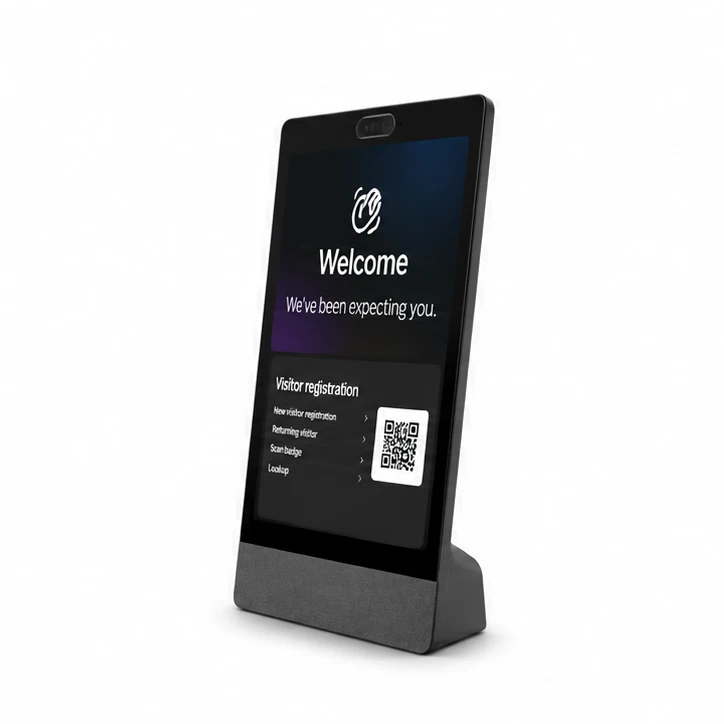
Explore the screen guests use to check in.
Show the local time and weather.
Greet guests with your own message or artwork.
Guests can check in, register, or check out here.
How It Works
-

1. Arrive
Look for the kiosk in the lobby.
-
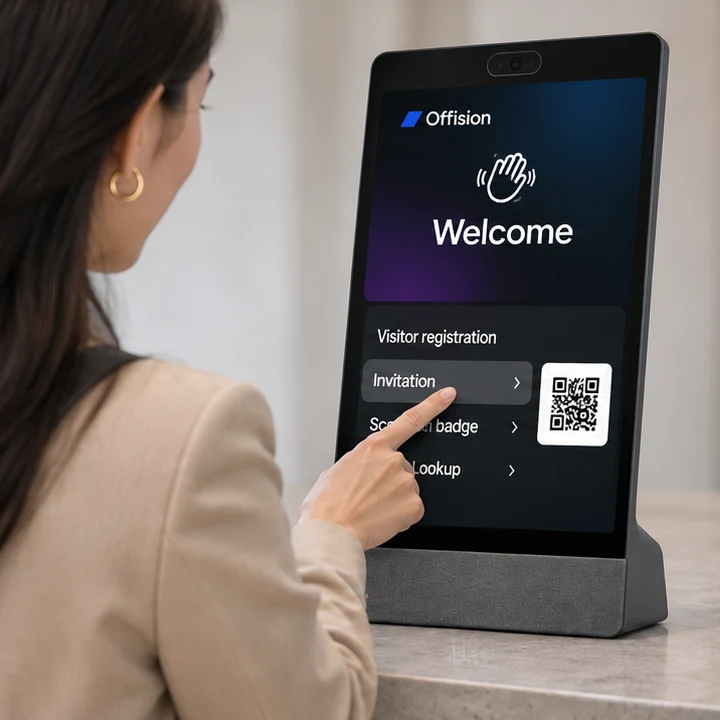
2. Check in
Tap the screen or scan its QR code to register on your phone. Offision notifies the host at check-in.
-
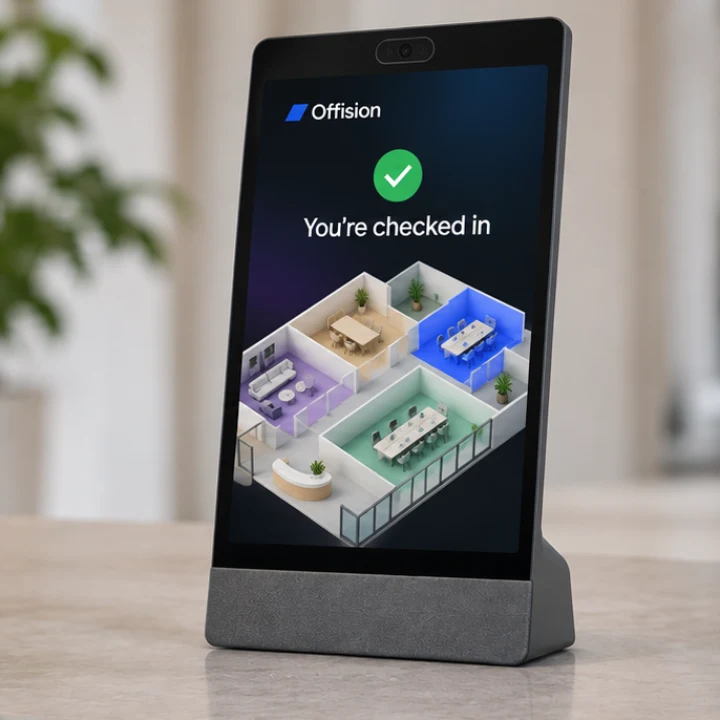
3. Find your room
If a room is mapped for the visit, the kiosk shows where to go.
Set up your lobby
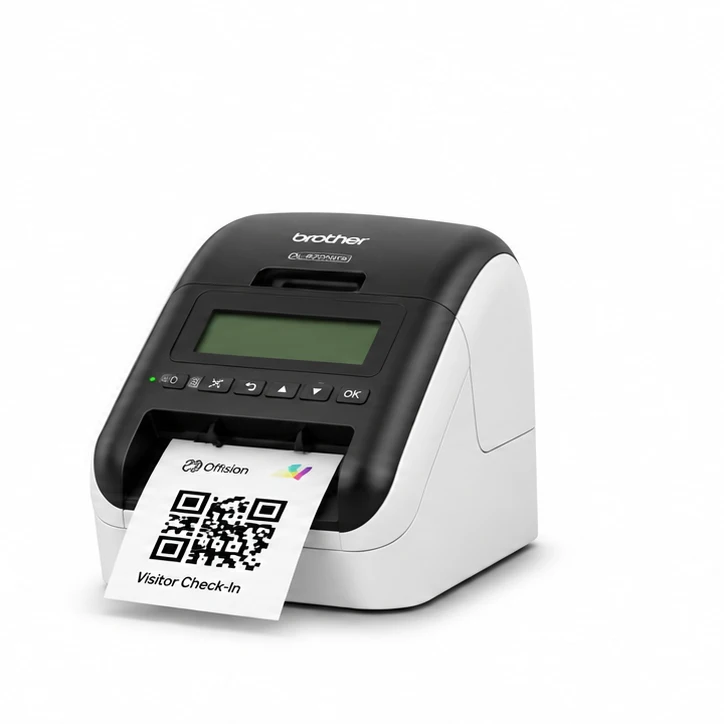
Use a Neat Frame or iPad. Add a Brother printer if you issue badges.
Questions? We've got answers.
Can guests use their phone?
Yes. On a display without touch, guests scan the QR code to register on their phone.
Why does the floor plan sometimes stay hidden?
The visit has to name a room that is open to visitors, and that room needs a floor and a position on the floor plan. The You are here pin appears only when the kiosk itself has been placed on the plan. If any of that is missing, the guest gets a plain confirmation. The host is still told.
Who gets notified when a guest checks in?
Offision notifies the host. Your building’s visitor policy controls approvals and any additional notifications.