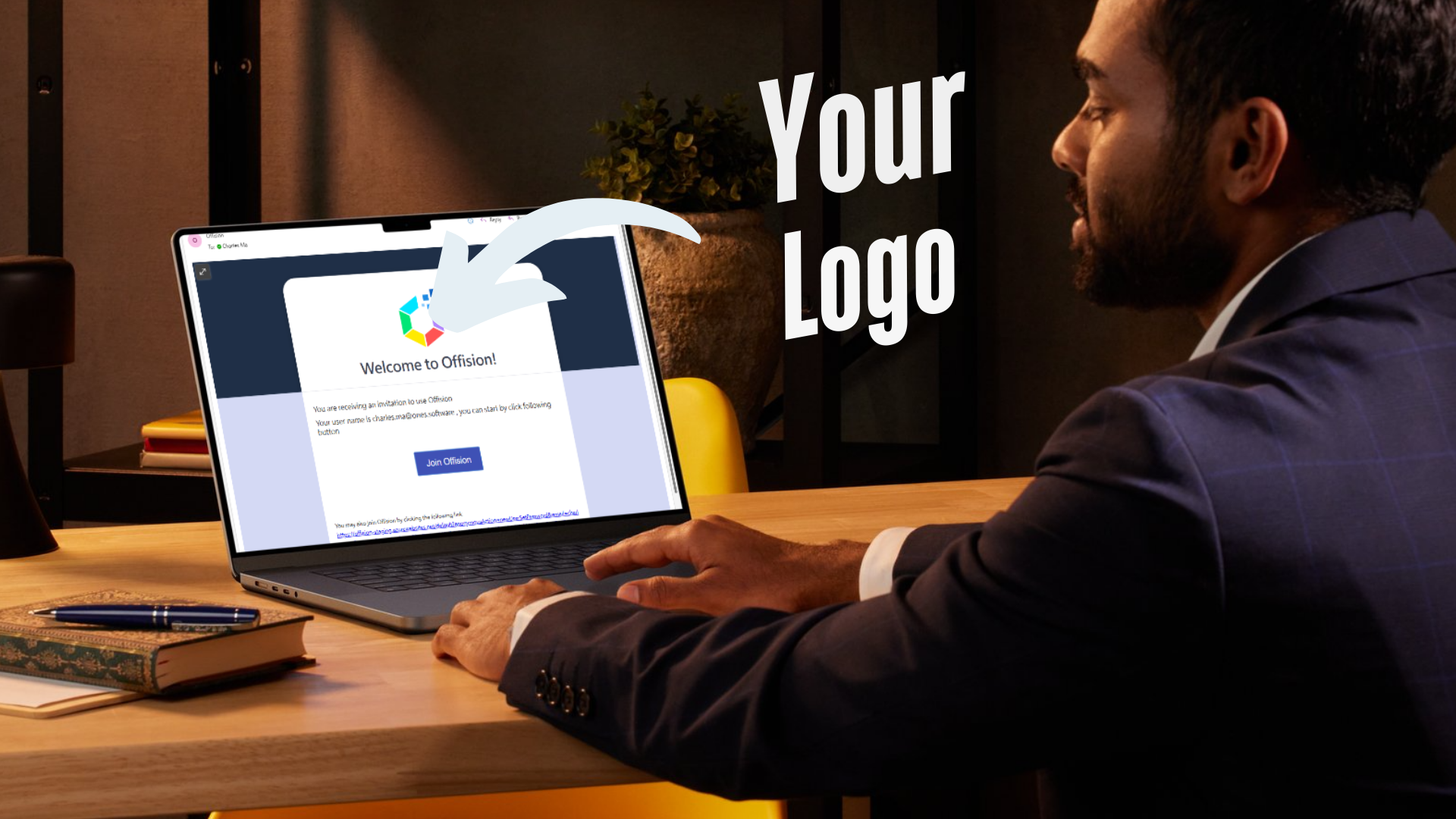
Offision’s "Set Your Own Logo in Email Content" feature allows admins to personalize emails by adding their company logo. This feature is designed to enhance branding, create consistency, and promote professionalism in all outgoing email communications. Here's how it works:
- Upload Your Logo: Admins can upload their company logo directly into the system.
- Brand Consistency: Every email sent through Offision will automatically include the uploaded logo, maintaining brand identity.
- Professional Appearance: Adding a logo adds a polished, professional look to your messages.
- User-Friendly: The process is simple, requiring no special technical expertise.
- Customizable Emails: Reinforce your brand with personalized email designs tailored to your business.
This feature is ideal for businesses looking to strengthen their branding and ensure that their emails look professional and trustworthy. Whether you're sending appointment confirmations, reminders, or any other communication, your logo will always be present, creating a strong brand impression.
Pros
- Enhanced Branding: By including your logo in every email, you reinforce your brand identity and create a consistent look across your communications.
- Professionalism: A logo in emails makes your communication look polished and trustworthy, leaving a positive impression on recipients.
- Ease of Use: The upload process is simple and intuitive, making it accessible even for non-technical users.
- Brand Visibility: Every email becomes an opportunity to promote your brand, increasing its visibility with clients and customers.
- Customizable: Tailor the email appearance to align with your business image, ensuring every email reflects your company's personality.
- Time-Saving: Once the logo is uploaded, it’s automatically applied to all email templates, saving time and effort.
- Competitive Edge: Many businesses overlook email branding. Adding your logo gives you an edge by showing attention to detail and professionalism.
With Offision’s logo upload feature, your emails will not only deliver information but also leave a lasting impression. It’s an easy yet powerful way to amplify your brand presence.

 Neat
Neat
 Crestron