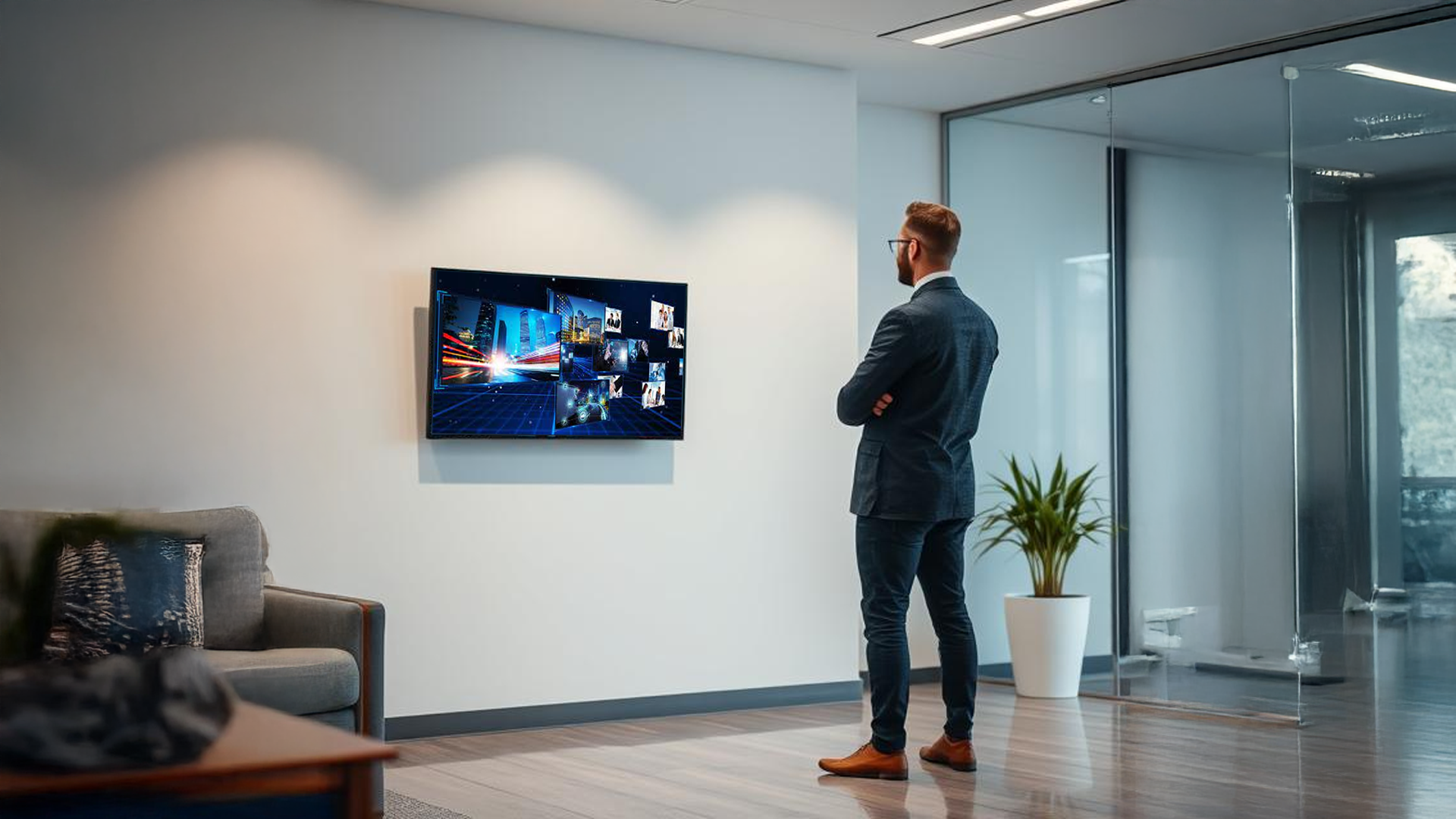
The Design and Manage Signage Content feature in Offision simplifies managing digital signage displays. Admins can create engaging content and assign it to multiple signage screens, ensuring consistency and flexibility.
Demonstration video: https://youtu.be/DPnFf9obbOQ
Key capabilities include:
- Content Creation: Select from a list of predefined content or customize your own widget to design unique signage content.
- Multi-Screen Assignment: Assign the same content to multiple signage screens, saving time and maintaining uniformity.
- Orientation Configuration: Choose the orientation (landscape or portrait) of each signage to match the display setup.
- Screen Ratio Settings: Adjust the screen ratio to ensure the content fits perfectly on different screen sizes.
This feature offers a simple yet powerful way to manage digital signage, enhancing communication and visuals in any environment.
Pros:
Easy Content Creation:
- Admins can quickly select predefined content or create custom widgets without technical skills.
- Flexible customization ensures content fits specific needs and branding.
Multi-Screen Management:
- Assign the same content to multiple signage screens simultaneously, saving time.
- Ensures consistency across different displays in various locations.
Flexible Orientation Options:
- Choose between portrait and landscape modes to suit different signage setups.
- Allows easy adaptation to various screen placements and orientations.
Screen Ratio Configuration:
- Adjust the screen ratio for perfect content alignment, ensuring all visuals display clearly and professionally.
- Supports a variety of screen sizes and formats.
Improved Communication:
- Enhances the ability to convey information effectively through well-designed signage.
- Useful for announcements, directions, promotions, or any other crucial updates.
User-Friendly Design:
- Offision's intuitive interface makes it easy for admins to manage and configure signage content.
- No advanced technical skills are required, making it accessible for all users.
Time-Saving:
- Multi-screen assignments and reusable content reduce repetitive work.
- Simplifies management of signage across multiple locations.
Professional Display:
- Ensures signage content always looks polished and fits perfectly on screens.
- Helps reinforce an organization's branding and professionalism.
The Signage - Create Content feature is a powerful tool for organizations to efficiently create, assign, and manage digital signage content. Its flexibility and ease of use make it ideal for enhancing communication and visual engagement in various environments.

 Neat
Neat
 Crestron