
Before you buy Getting started
Fewer rules first
Launch with rules you can explain in one sentence. Quotas and approvals are easier to add once people trust the basics.
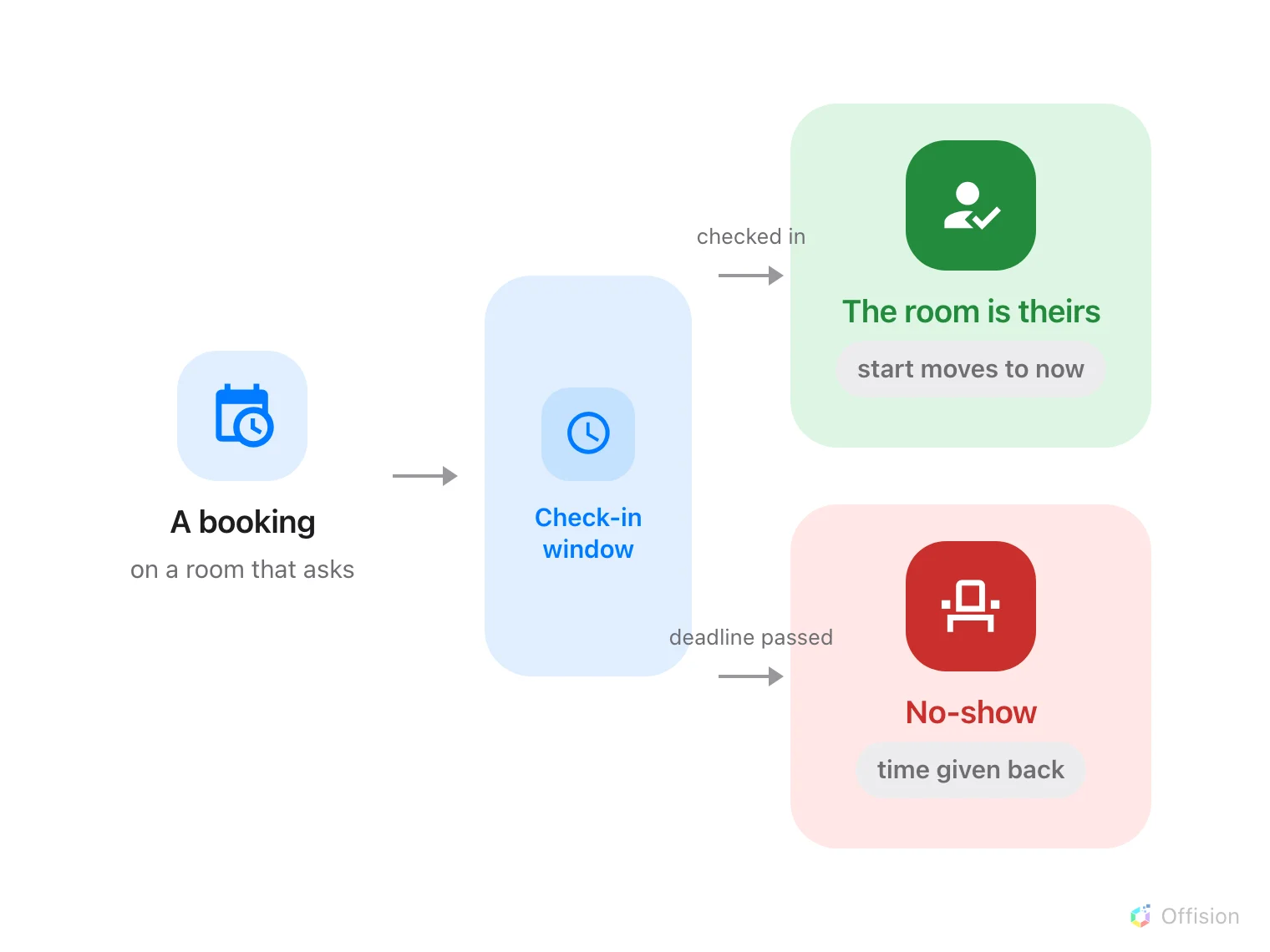
How check-in and no-show work
Turn on check-in for scarce rooms only at launch — one sentence staff can repeat. Add quotas and approvals after adoption proves the basics work.
Common questions
Can we roll out modules one at a time?
Yes, and most teams do. Booking first, then visitors, services, devices and signage as each is needed.


Part of a larger guide
What a 30-day rollout actually looks like
The work that decides whether a workplace platform sticks happens in the first month, and most of it is not technical.
Full article ›Week one naming
Building, floor and room names that staff already recognise decide whether search works. Getting this wrong is the most common cause of rework.
Read this guide ›Identity before policy
Groups drive quotas, approvals and permissions. Sync people and groups first, or you will write rules against a directory that then changes underneath them.
Read this guide ›Pilot floor
One floor with real users surfaces the naming, policy and hardware issues while they are still cheap to change.
Read this guide ›See it against your own rooms
Walk through your estate, your booking rules and your calendar setup with our team — or start free and try it on one floor.