
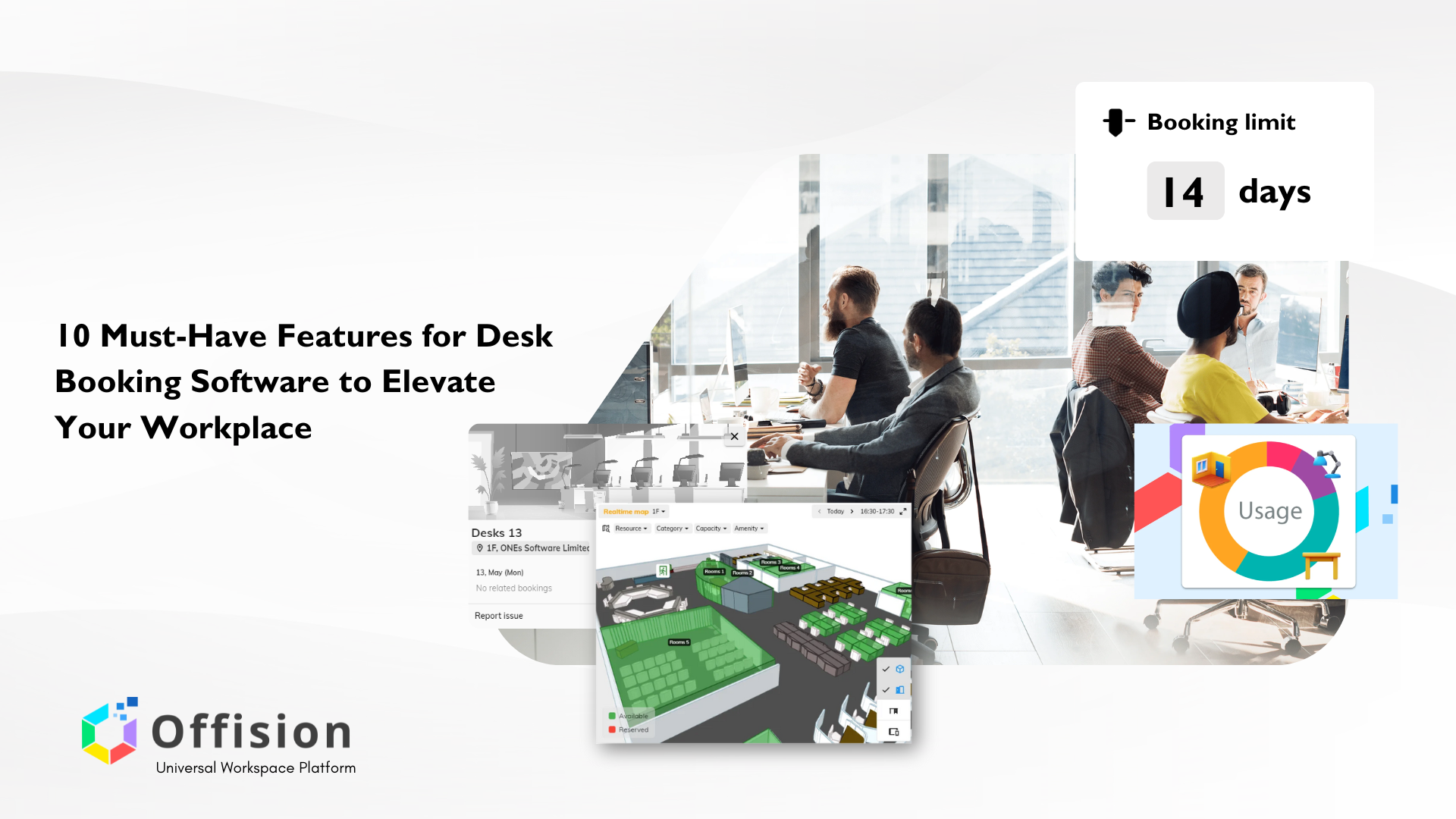
As hybrid work models become the norm, companies are increasingly turning to desk booking software to streamline office management and enhance workplace flexibility. These platforms empower employees to reserve desks and workspaces as needed, ensuring smooth coordination, space optimization, and improved productivity. However, not all desk booking solutions are created equal. To meet modern office needs, companies must carefully evaluate software features before making a decision.
A robust desk booking software offers more than just desk reservations. It integrates various features that ensure usability, efficiency, and compliance with office policies. From simple room management to seamless app integrations, selecting the right tool can significantly improve employee satisfaction and operational efficiency. Below are ten essential features that organizations should look for when choosing a desk booking solution.
1. Real-Time Availability Display
Introduction
A key feature of any desk booking software is the ability to display real-time availability. This ensures employees can see which desks or meeting rooms are free and make instant reservations. Live updates prevent double bookings and confusion, especially in offices with high traffic.
Pros
With real-time updates, teams can manage their workspaces more efficiently. Employees avoid frustration caused by booking overlaps, and managers gain better visibility into space utilization trends. This feature fosters a seamless booking experience and enhances trust in the platform.
2. Interactive Floor Plans
Introduction
Interactive floor plans give users a visual representation of the office layout, making it easier to find and reserve specific desks or rooms. This is particularly helpful for large offices with multiple floors or departments.
Pros
Interactive maps improve user experience by making navigation intuitive. Employees can choose desks that suit their needs—such as near windows or away from busy zones—resulting in better productivity. It also helps new hires quickly familiarize themselves with the office layout.
3. Mobile App Accessibility
Introduction
In today’s fast-paced world, employees expect to manage tasks from their smartphones. A mobile app allows users to book, modify, or cancel reservations on the go, providing flexibility no matter where they are.
Pros
Mobile accessibility ensures that last-minute changes can be managed easily. Whether employees are commuting or working remotely, they stay connected with office schedules. It enhances flexibility and ensures bookings are not restricted to office hours or desktops.
4. Integration with Office Calendars
Introduction
Desk booking software that integrates with tools like Microsoft Office365 or Google Calendar simplifies booking by syncing reservations across platforms. This ensures all meetings and bookings reflect on employees’ personal calendars.
Pros
Integration eliminates the need to switch between multiple tools, reducing friction for users. It also helps in preventing scheduling conflicts, as the software automatically updates reservations across all connected calendars.
5. Hot Desking Support
Introduction
Hot desking allows employees to book any available desk rather than being assigned a fixed workspace. This approach is ideal for hybrid workplaces, promoting flexibility and reducing unused space.
Pros
Hot desking helps companies optimize office space by ensuring desks are utilized only when needed. Employees enjoy flexibility, while businesses benefit from lower real estate costs and a more dynamic office environment.
6. Capacity Management and Social Distancing
Introduction
Capacity management features enable companies to monitor and control how many people occupy a space at any given time. Many platforms also provide tools for enforcing social distancing measures.
Pros
This feature ensures offices remain compliant with safety guidelines. It allows managers to allocate desks based on capacity limits and reduces overcrowding, ensuring a safe and comfortable workspace for everyone.
7. Analytics and Reporting
Introduction
Analytics tools provide insights into workspace usage patterns, helping companies make data-driven decisions. These reports can highlight peak usage times, underutilized areas, and overall booking trends.
Pros
Access to real-time data allows managers to identify areas for improvement and optimize office layouts. Analytics also help forecast future needs, enabling companies to plan better for growth or contraction.
8. User Permissions and Approval Workflow
Introduction
Some organizations require desk bookings to go through an approval process, particularly for shared or premium spaces. A well-defined permissions system ensures that only authorized personnel can book certain areas.
Pros
This feature reduces unauthorized bookings and ensures high-demand spaces are used efficiently. Managers gain greater control over bookings, leading to more orderly workspace management and fewer disputes over reservations.
9. Notifications and Reminders
Introduction
Automated notifications and reminders ensure users are informed about their bookings. This feature helps reduce no-shows and keeps everyone updated on workspace availability and upcoming reservations.
Pros
Timely reminders reduce the chances of forgotten bookings, leading to better space utilization. Notifications also ensure employees are kept in the loop, helping them adjust plans if bookings are changed or canceled.
10. Contactless Check-In and Out
Introduction
Contactless check-in allows employees to confirm their arrival using QR codes or mobile apps, ensuring smooth access to their reserved spaces. This feature is especially relevant for maintaining hygiene standards in post-pandemic work environments.
Pros
Contactless solutions minimize physical touchpoints, promoting health and safety in the workplace. Additionally, automatic check-outs free up desks for others, ensuring spaces are not occupied longer than necessary.
Conclusion
Choosing the right desk booking software is essential for fostering a productive and flexible work environment. From real-time availability and interactive floor plans to integration with office calendars and contactless solutions, each feature plays a crucial role in enhancing workspace management. Companies that invest in comprehensive desk booking tools are better equipped to meet employee needs and maximize office efficiency.
If you’re searching for a modern, user-friendly desk booking platform, consider Offision by ONES Software Limited. With advanced features designed for today’s hybrid work model, Offision makes managing your workspace effortless. Explore more at Offision and take your office management to the next level!