
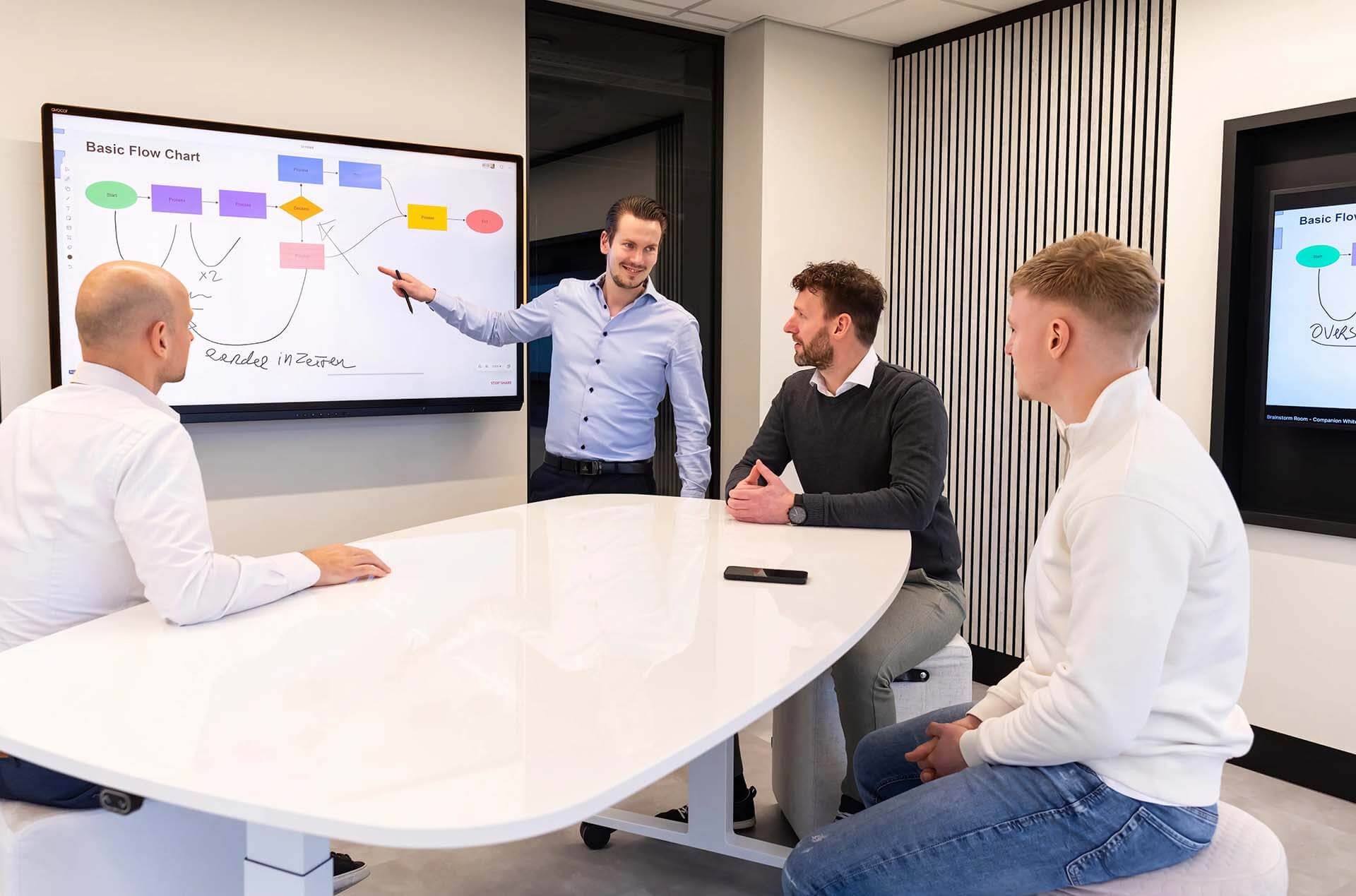
Are your office spaces working for your team, or is your team working around your office spaces?
As we navigate the future of workplace digital transformation, our goal at Offision has always been clear: technology should empower your people, not impede them.
When your team spends more time figuring out how to book a room than actually collaborating in it, productivity plummets. In our May 2026 Product Update, we’ve focused heavily on reducing friction, expanding connectivity, and making space utilization as intuitive as possible.
Here is a look at what we have just rolled out to help you maximize your workplace results:
1. Precision Scheduling with Revamped Booking Hours
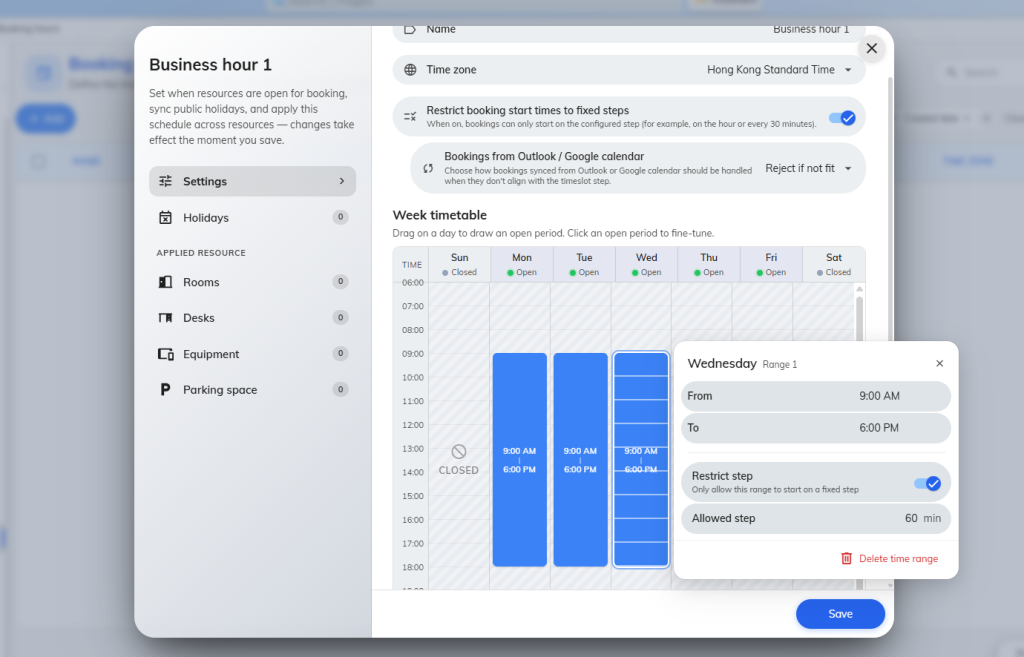
Have you ever looked at a meeting room schedule full of awkward 12-minute gaps because of random booking start times? Wasted meeting room real estate is expensive. Let’s not waste it. We’ve completely revamped our configuration form to be far more user-friendly, giving you tighter control over your space.
- Fixed-Step Restrictions: You can now restrict booking start times to fixed intervals. By ensuring bookings only start on the configured step (for example, strictly on the hour or every 30 minutes), this small tweak creates a much cleaner, predictable, and optimized daily schedule.
2. A True Ecosystem: The New Integration Hub
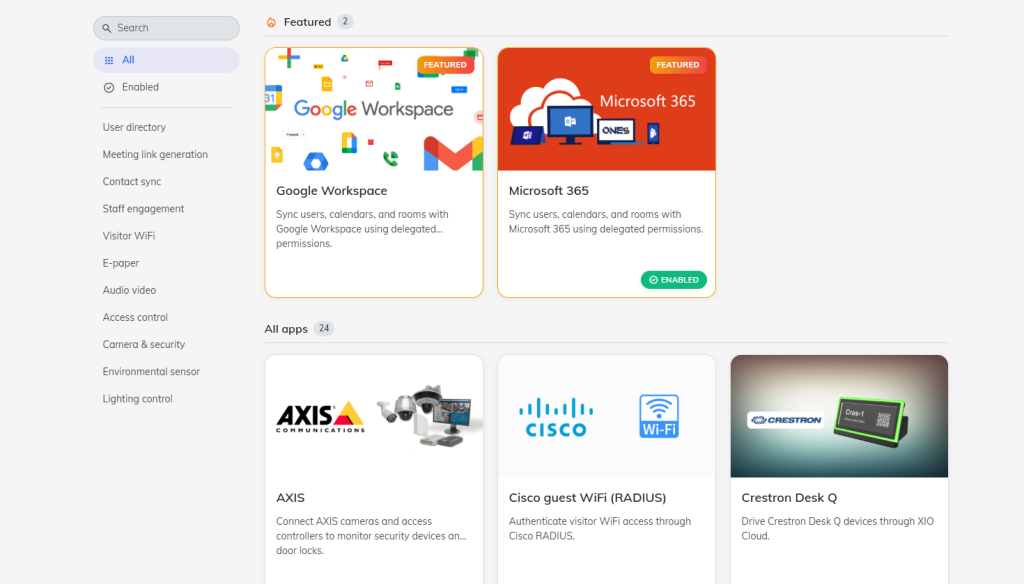
A smart office isn’t just one piece of isolated software; it’s a collaborative ecosystem. The last thing any IT manager or Facilities Director wants is siloed technology that complicates the user experience.
- Seamless Connectivity: Through our brand-new Integration Page, connecting Offision to your existing infrastructure is easier than ever. We now support seamless setups with Microsoft 365, AXIS, Milesight, and Neat Pulse.
- Guest WiFi Sync: We’ve also added powerful integrations for industry-leading Guest WiFi solutions, including Cisco, UniFi, TP-Link, and Ruckus. Your guests get connected effortlessly, and you maintain complete oversight.
3. Smarter Booking Approvals with Context
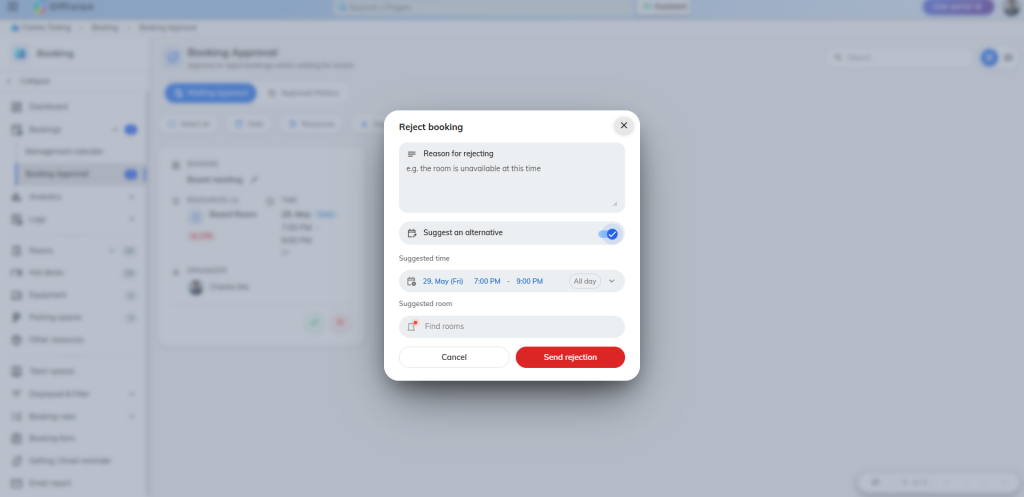
A flat “declined” on a room request doesn’t help anyone. In fact, it creates bottlenecks and frustration for employees trying to get their work done.
- Counter-Suggestions: For high-demand spaces that require administrative approval, approvers can now add specific reasons for rejecting a request and immediately offer a counter-suggestion to the user. This turns a workflow roadblock into a productive pivot, effortlessly guiding employees to the right space at the right time.
What is your next step?
Technology is only an enhancement if it’s fully utilized to improve communication and efficiency. I encourage you to take five minutes this week to explore our new integration page and review your booking hour parameters. Transforming your office into a frictionless environment starts with these simple adjustments.
For a complete breakdown of all the new features, step-by-step guides, and technical documentation, visit our detailed release notes here: https://offision.com/release-notes
How are you currently managing the technology in your collaborative spaces? Let me know in the comments below!
#SmartOffice #DigitalTransformation #WorkplaceStrategy #FutureOfWork #PropTech #Offision
For more on the Microsoft 365 integration context, see why Microsoft 365, Outlook, and Places are not enough for hybrid workplace operations.
For the broader platform view, see our workplace management software guide.
Leave a Reply