
When a guest reaches your workplace, the first few minutes are easy to overlook if you already know the building. The invitation may name a host, but not the entrance. Registration may still happen on paper at the counter. The person at reception may be trying to reach someone who is already in a meeting. None of this requires a large project to improve. If your lobby may get busier as the year winds down, this is a useful moment to tighten the basics.
This checklist is a working review for workplace, facilities, and office managers. It covers invited arrivals, unexpected visitors, departure, and the information you collect. It also includes a small test you can run over ordinary days, without new software or a change to your whole process.
Start with invited arrivals
Most expected visits go wrong in the details sent before the guest leaves their own office.
Check that the invitation states the arrival window, the building and the correct entrance, the floor, and what to do on arrival. In a multi-tenant building, “come to our office” is rarely enough. The guest needs to know which lobby, which lift core, and who to ask for.
Name the host clearly, and agree a fallback. If the host is in a meeting, on another floor, or running late, reception should know who else can collect the guest, and the guest should not be left without a next step. The visit itself was expected; the handover is what often feels unplanned.
If you issue badges, decide in advance how identity is confirmed and when the badge is handed over, so this is not improvised at the counter.
Treat walk-ins and deliveries as different processes
Walk-in visitors and deliveries both arrive unannounced, but they should not follow the same script.
A walk-in may be a last-minute meeting, a contractor, or an interview that was not logged. Decide in advance what information you actually need, who can authorise entry, and how long the visitor should wait for that decision. A written path for unexpected arrivals keeps the person at the desk from inventing a process while the guest is standing there.
Deliveries need a shorter, separate path: where parcels are left, who can sign, and whether the courier enters past the lobby. Mixing a courier into a visitor sign-in, or a walk-in client into a parcel routine, creates delay and confusion for everyone at the desk.
Make departure as clear as arrival
A careful welcome loses some of its value if leaving is left to guesswork.
Spell out whether a badge should be returned, whether the visitor needs to sign out, and whether the host should be told when the guest has left. Reception should also be able to see who is still on site. This is useful on ordinary days, and it matters more when several meetings end at once.
Collect only what the visit requires
Visitor processes often gather more information than the visit itself needs, and they sometimes leave that information in view.
Collect the minimum required to identify the guest, reach the host, and meet your site’s safety or access rules. Be clear about why those details are requested, and keep them only as long as needed. Avoid leaving sign-in books, badge lists, or identity documents in open view on the counter.
This is good practice. It is not, on its own, a claim that your process meets any particular legal standard. If you are unsure what your organisation requires, ask the colleague who handles privacy or records.
Run one small test before you change more
Before rewriting your whole visitor process, observe what already happens.
Over a few ordinary days, take a simple baseline: roughly how long registration takes, how often reception has to step in to complete a form or find a host, and any informal comments visitors already offer. Keep the measures consistent — the same kind of visit, counted at the same points in the journey — so you are not comparing a quiet morning with a busy late afternoon.
Then make one change only. That might be clearer invitation wording, a named fallback host, a separate walk-in script, or a more visible badge-return step. Review the same measures again.
Treat the result as a signal, not proof. A quieter week, a different mix of visitors, or a more experienced person at the desk can look like an improvement. If the measures move in the right direction and the lobby feels calmer, keep the change. If they do not, you have still learned something at little cost.
See a sample visitor journey
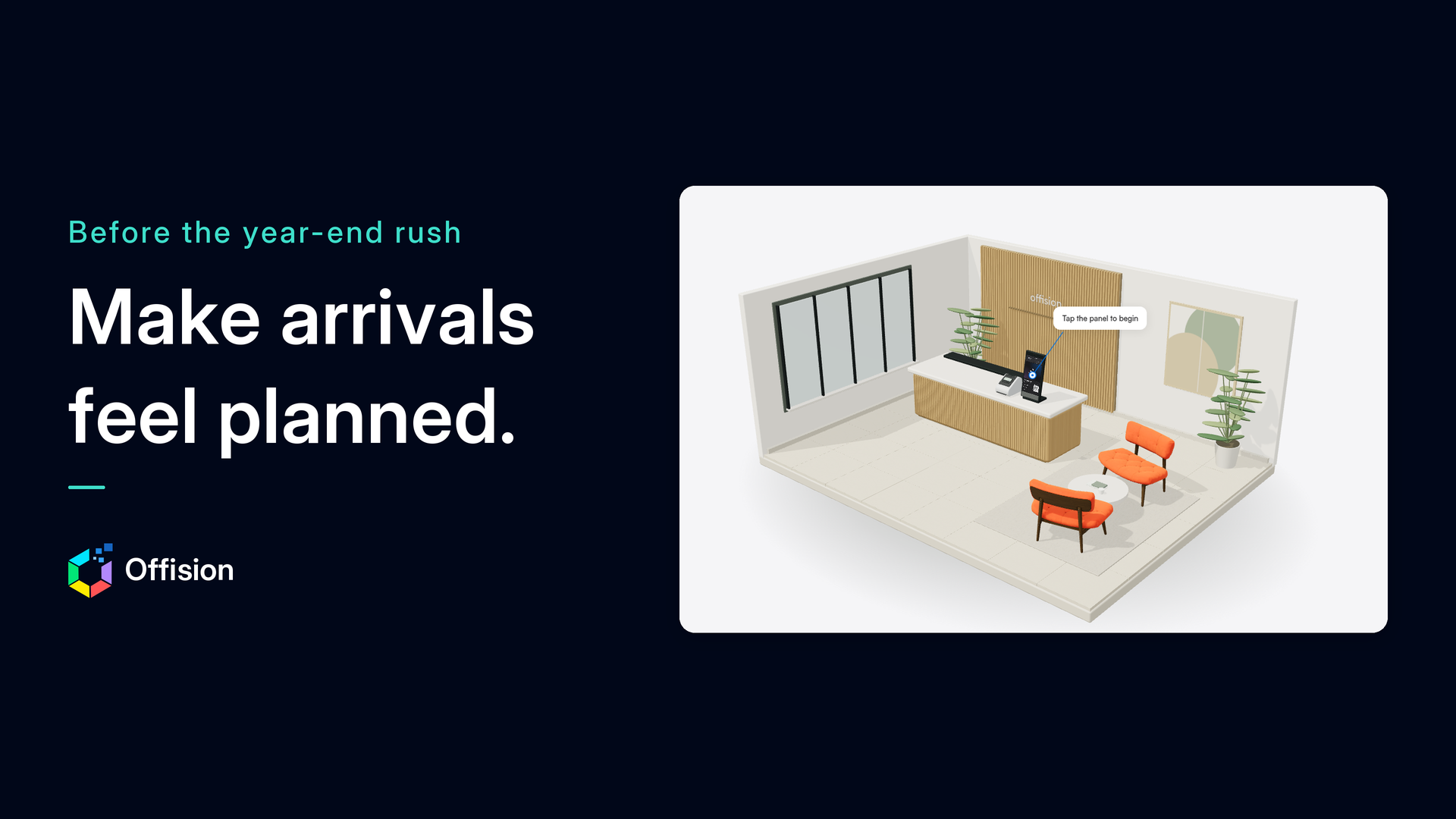
If you want a concrete picture of a guided arrival, you can try Offision’s 3D visitor experience. It is a public, interactive simulation of a reception. You tap the greeting terminal, choose that you have an invitation, try a sample scan, and see a check-in confirmation, a host notification message, and a badge-print animation. Routes for walk-in registration and visitor check-out are also available. No sign-up or setup is required, and a first look takes about two minutes.
This is a way to explore the journey, not a guarantee of how your own workplace will perform. If it helps you spot a gap in your current process, start with that one change, and use the rest of the month to see whether it holds.
Offision is part of ONES Software.
Leave a Reply