
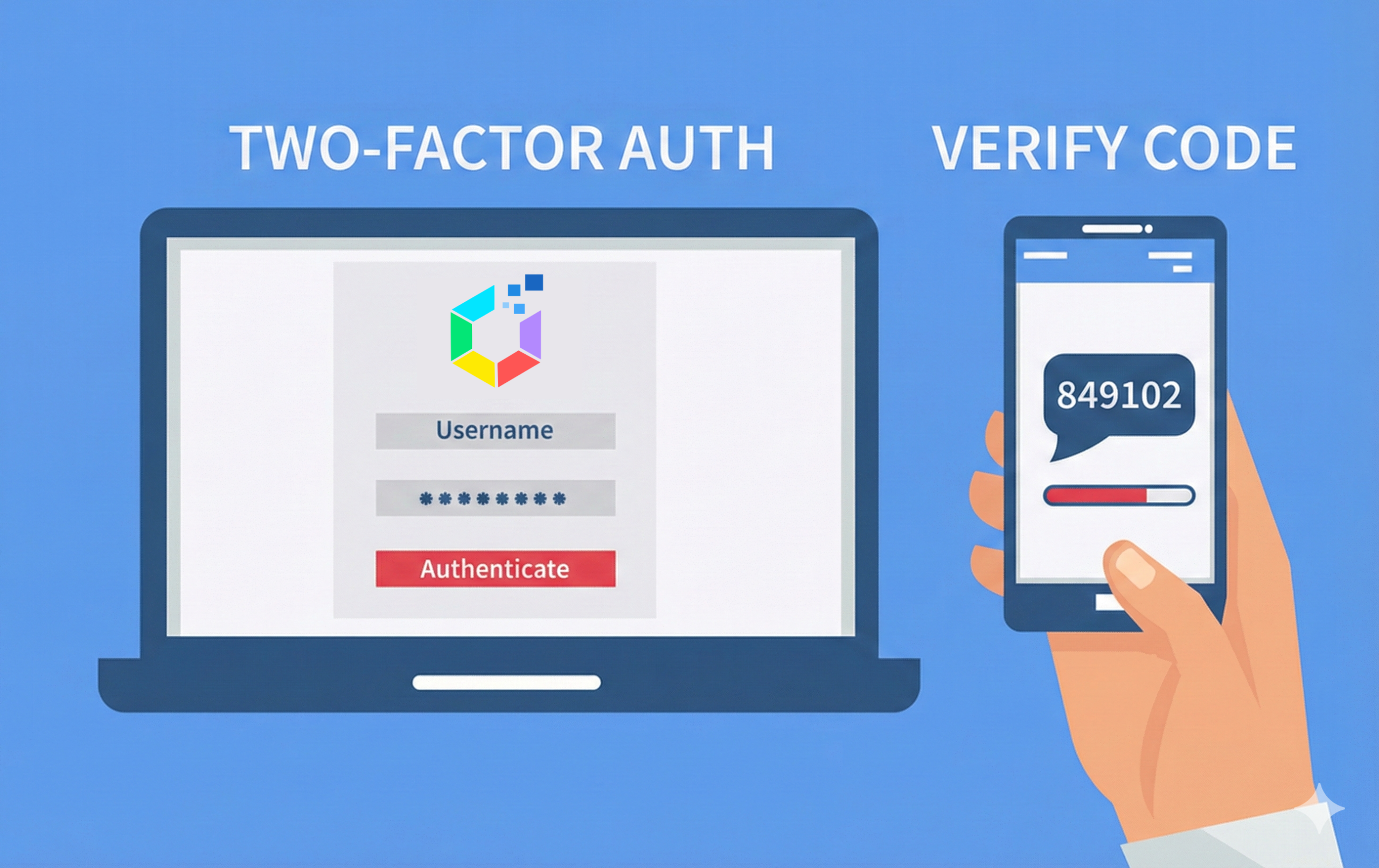
At Offision, protecting your data is our top priority. To give you stronger control over your account security, we’re excited to introduce Two‑Factor Authentication (2FA) and Authenticator App support—powerful tools designed to keep your information safe, even if your password is compromised.
Why Two‑Factor Authentication Matters
Passwords alone are no longer enough to protect sensitive data. Two‑Factor Authentication adds an extra layer of security by requiring a second verification step during login. This ensures that only you can access your Offision account.
With 2FA enabled, your account stays protected against:
- Unauthorized access
- Phishing attacks
- Stolen or leaked passwords
How Offision Keeps Your Account Secure
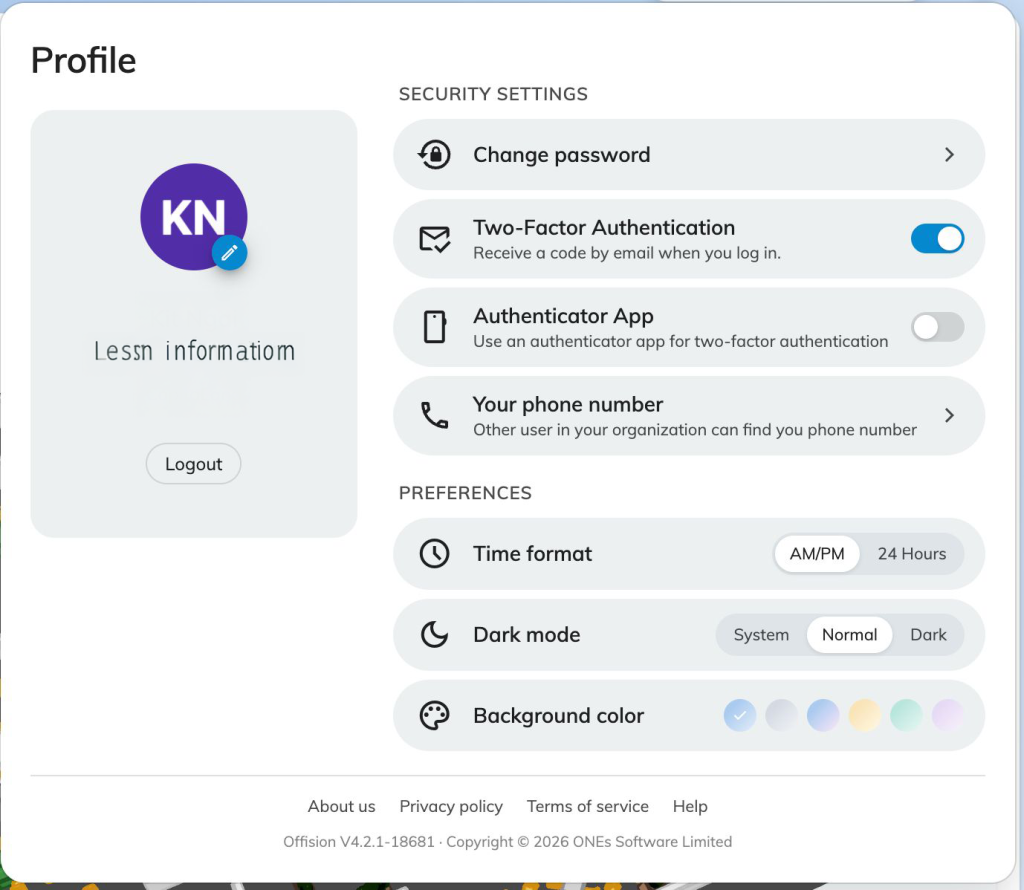
Security Reminder in Your Profile
To make sure no one misses this important feature, Offision will notify users who haven’t enabled Two‑Factor Authentication.
How it works:
- Open the Offision User App
- Click the profile icon in the top‑right corner
- Go to Security Settings
- If 2FA is not enabled, the system will notify you and guide you to turn it on
This proactive reminder helps ensure your account is always protected.
Option 1: Email Verification Code
Once you enable Two‑Factor Authentication, Offision will ask for an additional verification code every time you log in.
What happens during login:
- Enter your username and password as usual
- A one‑time verification code is sent to your registered email address
- Enter the code to complete your login securely
This method is simple and effective, adding an extra shield to your account.
Option 2: Microsoft Authenticator App
For even stronger and faster security, Offision also supports login verification through the Microsoft Authenticator App.
Benefits of using an Authenticator App:
- No need to wait for emails
- Codes are generated instantly on your phone
- More secure than email‑based verification
How it works:
- Enable the Authenticator App option in Security Settings
- Link your Offision account with the Microsoft Authenticator App
- Receive a secure login code directly in the app whenever you sign in
This option is ideal for users who want maximum security with a seamless login experience.
Take Control of Your Security Today
Your data deserves the highest level of protection. By enabling Two‑Factor Authentication and using an Authenticator App, you significantly reduce the risk of unauthorized access to your Offision account.
We strongly encourage all users to:
- Visit Profile → Security Settings
- Enable Two‑Factor Authentication
- Choose the verification method that works best for you
Stay secure. Stay in control.
Offision is here to protect what matters most—your data.
Leave a Reply