
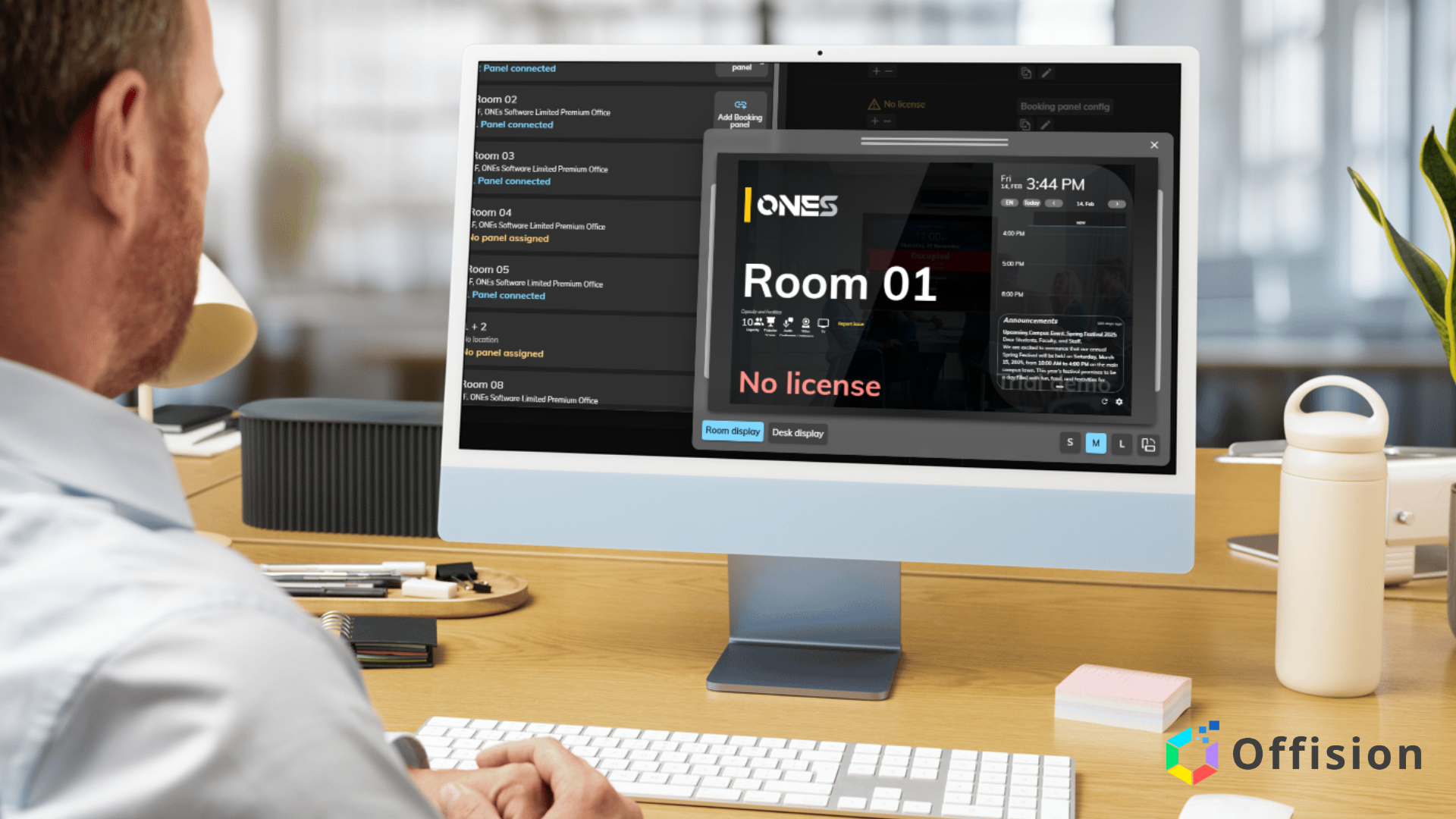
Offision, a versatile platform for workplace management, allows businesses to optimize their operations through the use of custom resources. These resources—ranging from meeting rooms to equipment and services—can be tailored to fit the specific needs of your organization. By leveraging custom resources effectively, companies can streamline workflows, boost productivity, and enhance employee satisfaction. Here are three major ways to make the most of custom resources in Offision.
1. Streamlining Meeting Room Bookings with Custom Configurations
Custom resources in Offision enable businesses to configure meeting rooms to match their unique requirements. Whether it’s a boardroom for executive meetings, a huddle space for quick team syncs, or a creative studio for brainstorming sessions, you can define room attributes like capacity, AV equipment, or layout preferences.
- Why it matters: Tailoring meeting room resources ensures employees book spaces that align with their needs, reducing scheduling conflicts and improving meeting efficiency.
- How to implement: Use Offision’s admin panel to create custom resource profiles for each room, specifying features like projectors, whiteboards, or video conferencing tools. Add booking rules, such as requiring advance notice or limiting recurring bookings, to maintain availability.
- Pro tip: Integrate with calendar tools like Outlook or Google Calendar to sync room bookings seamlessly and avoid double bookings.
2. Managing Equipment and Assets for Hybrid Work
With hybrid work becoming the norm, tracking and allocating equipment like laptops, monitors, or ergonomic chairs is critical. Offision’s custom resources allow you to catalog these assets, assign them to employees, and monitor their usage.
- Why it matters: Proper equipment management reduces costs from over-purchasing or loss and ensures employees have the tools they need, whether in-office or remote.
- How to implement: Create resource categories in Offision for equipment types, then add details like serial numbers, availability status, and check-out periods. Employees can reserve assets through the platform, and admins can track usage via reports.
- Pro tip: Set up automated notifications to remind employees to return equipment or schedule maintenance, keeping resources in top condition.
3. Enhancing Employee Experience with Service-Based Resources
Custom resources aren’t limited to physical assets—they can include services like IT support, catering, or wellness programs. By offering these as bookable resources in Offision, you can simplify access to workplace perks and improve employee satisfaction.
- Why it matters: Centralizing service bookings creates a seamless experience, encouraging employees to take advantage of available offerings and fostering a positive workplace culture.
- How to implement: Define service-based resources in Offision, such as “IT troubleshooting session” or “lunch catering for team meetings.” Set availability windows and assign responsible staff to fulfill requests. Employees can book these services directly through the platform.
- Pro tip: Use Offision’s analytics to track which services are most popular and adjust offerings based on demand to maximize engagement.
Conclusion
Custom resources in Offision provide a flexible framework to meet your organization’s unique needs, from optimizing meeting spaces to managing equipment and enhancing employee perks. By thoughtfully configuring these resources, businesses can improve efficiency, reduce administrative overhead, and create a better workplace experience. Start exploring Offision’s custom resource features today to unlock their full potential for your team.
Leave a Reply